

User Menu — Mail Settings
What it does
Section titled “What it does”The Mail Settings section lets you configure a custom SMTP server for sending emails from the platform. MooveTeam CMS sends emails for notifications, results delivery, and other automated communications — this page controls which mail server is used.
Requirements
Section titled “Requirements”| Requirement | Details |
|---|---|
| Role | Admin or Agency (company-level administrator) |
| Prerequisite | A valid SMTP server and credentials |
How to access
Section titled “How to access”User dropdown (top-right) → Mail Settings
Mail Settings form
Section titled “Mail Settings form”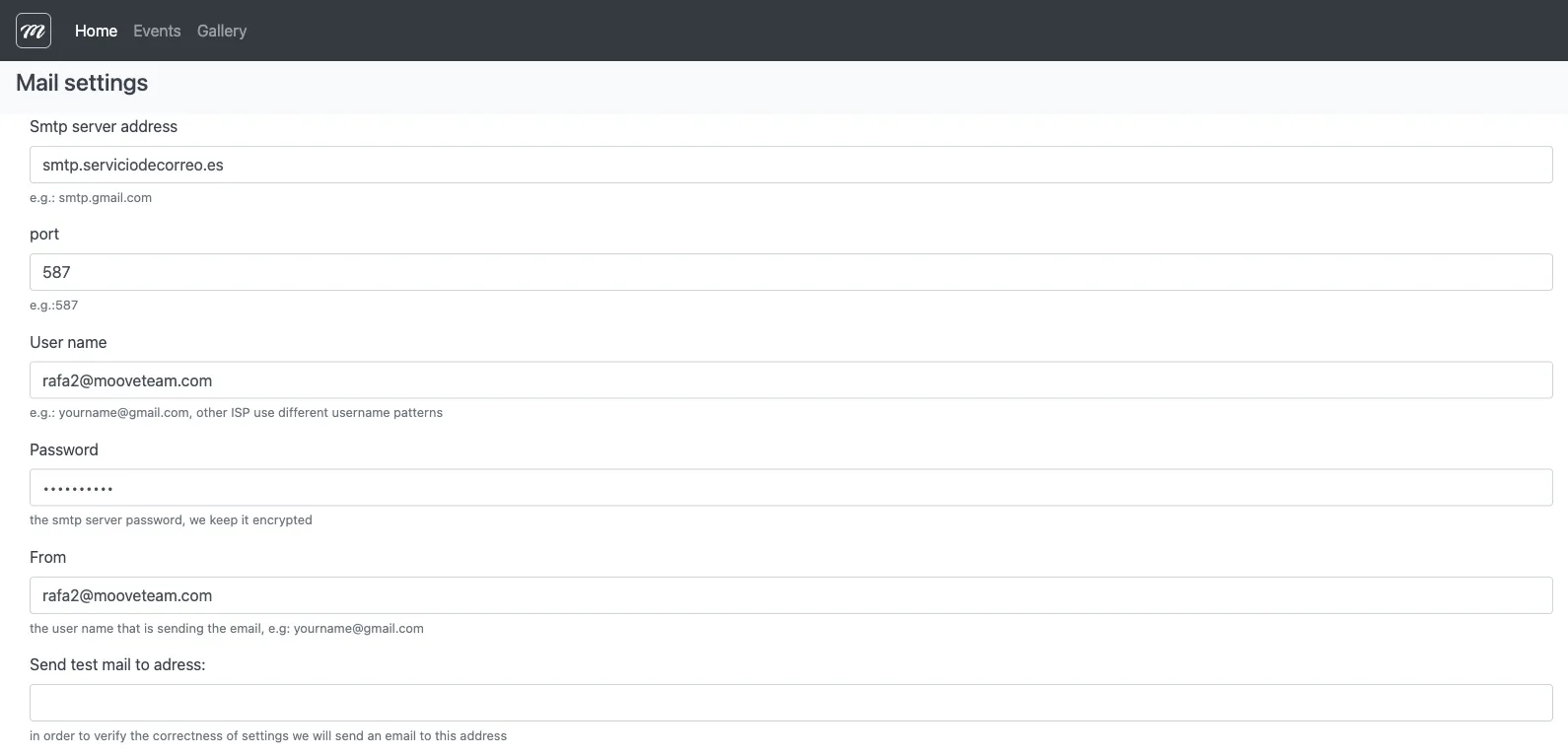
Fields / Options
Section titled “Fields / Options”| Field | Type | Description | Required |
|---|---|---|---|
| SMTP server address | Text | SMTP server hostname (e.g., smtp.gmail.com, smtp.serviciodecorreo.es) | Yes |
| port | Number | SMTP server port (e.g., 587 for TLS, 465 for SSL) | Yes |
| User name | Text | Username for SMTP authentication (e.g., yourname@gmail.com) | Yes |
| Password | Password | SMTP server password (stored encrypted) | Yes |
| From | Text | Sender email address that appears in outgoing emails | Yes |
| Send test mail to address | Address to send a verification email to | No |
Actions
Section titled “Actions”| Action | Description |
|---|---|
| Save | Save the SMTP configuration |
| Back | Return to the previous screen without saving |
Behavior and rules
Section titled “Behavior and rules”- Each field has a help text below it explaining the expected format:
- Server address: “e.g.: smtp.gmail.com”
- Port: “e.g.:587”
- User name: “e.g.: yourname@gmail.com, other ISP use different username patterns”
- Password: “the smtp server password, we keep it encrypted”
- From: “the user name that is sending the email, e.g: yourname@gmail.com”
- Test mail: “in order to verify the correctness of settings we will send an email to this address”
- The password is stored encrypted on the server.