

Mini Game: Puzzle
What it does
Section titled “What it does”The Puzzle challenge presents the player with a jigsaw puzzle — an image split into a grid of scrambled pieces that must be reassembled by dragging them into the correct positions. The grid ranges from 2x2 (4 pieces) to 6x6 (36 pieces). Points are awarded based on completion time.
Requirements
Section titled “Requirements”| Requirement | Value |
|---|---|
| Role | Agency or Admin |
| Event state | Event must be stopped |
Player experience
Section titled “Player experience”- The challenge activates when the team reaches the GPS location.
- The player sees a scrambled image split into a grid of pieces.
- The player drags pieces to swap their positions and reconstruct the original image.
- A countdown timer is displayed.
- Completing the puzzle before the timer expires awards points. Failing to complete it in time awards 0 points.
Puzzle challenge creation form
Section titled “Puzzle challenge creation form”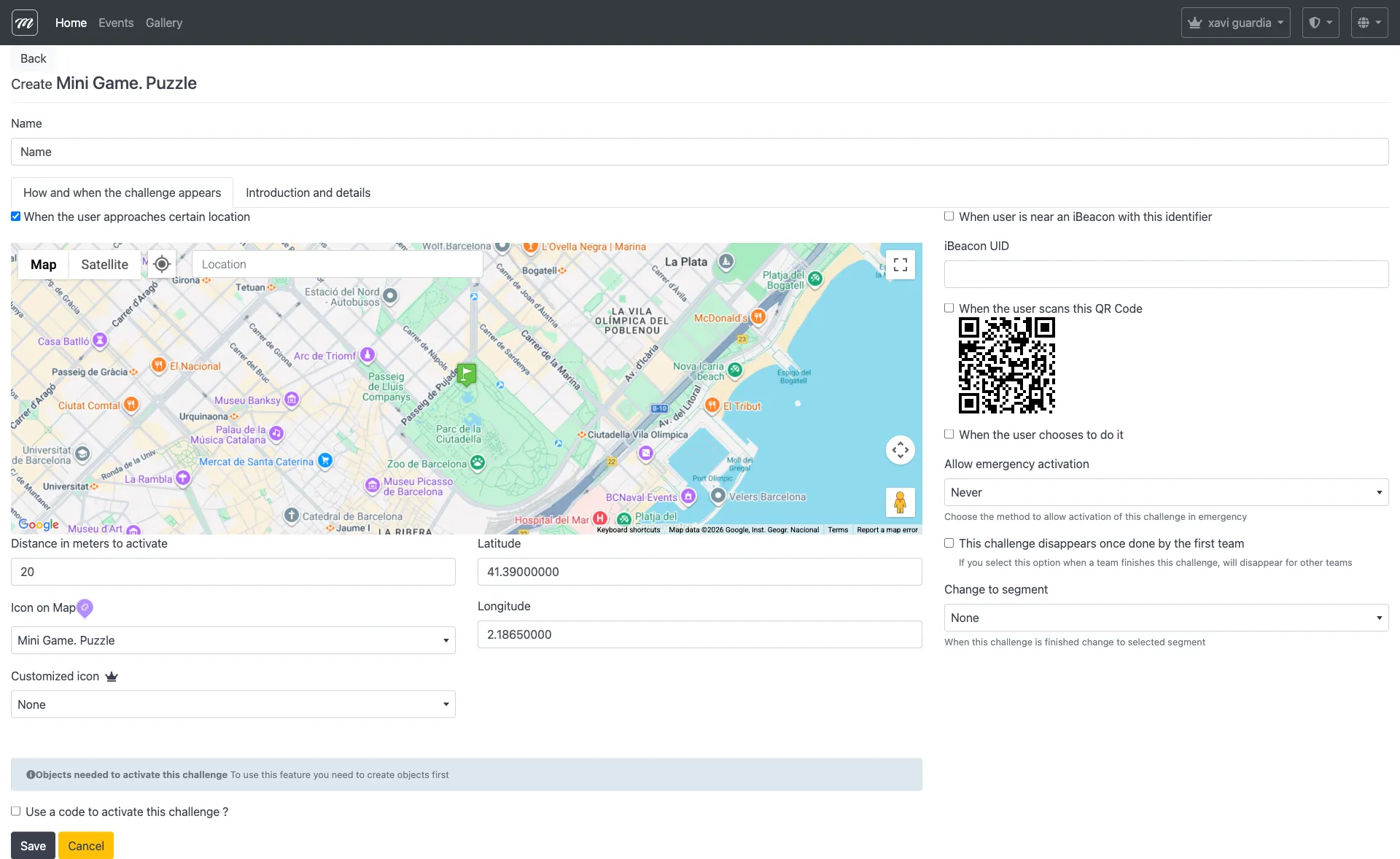
Type-specific fields
Section titled “Type-specific fields”The Puzzle type uses only the common challenge fields. The puzzle image is configured through gallery image association:
| Field | Where to configure | Notes |
|---|---|---|
| Puzzle image | Gallery images (link from company gallery) | The image that gets split into pieces |
| Difficulty | Game configuration (not a visible form field) | Grid size: 2x2 (easy) to 6x6 (hard) |
| Points | Points (common field) | Awarded on successful completion |
Behavior and rules
Section titled “Behavior and rules”- This type has direct points — scoring is automatic based on completion.
- Upload images to the company gallery first, then link them to the challenge.
- The grid size determines difficulty: 2x2 = 4 pieces (trivial), 3x3 = 9 pieces (easy), 4x4 = 16 pieces (medium), 5x5 = 25 pieces (hard), 6x6 = 36 pieces (very hard).
- Faster completion results in a higher score. Timeout = 0 points.