Mini Game: Guess the Word
What it does
Section titled “What it does”The Guess the Word challenge presents the player with a hidden word that must be discovered letter by letter. The organizer sets the hidden word, and the player guesses using an on-screen letter selector. Two difficulty modes are available: Easy and Hard.
Requirements
Section titled “Requirements”| Requirement | Value |
|---|---|
| Role | Agency or Admin |
| Event state | Event must be stopped |
Player experience
Section titled “Player experience”Easy mode
Section titled “Easy mode”- The challenge activates when the team reaches the GPS location.
- The player sees blank spaces representing each letter of the hidden word.
- A full alphabet grid is displayed on screen.
- The player taps letters one at a time. Correct letters are revealed in all matching positions.
- The player keeps guessing until the full word is revealed or the timer expires.
- Points are awarded upon successfully revealing the full word.
Hard mode
Section titled “Hard mode”- The player sees blank spaces and a keyboard with letters, numbers, and special characters.
- The player types the full word or guesses letter by letter.
- After a set time, timed hints appear automatically — up to 2 hints, each subtracting points from the total.
- The player has unlimited attempts until the timer expires.
- Points are awarded on success. Faster completion (before hints trigger) yields a higher score.
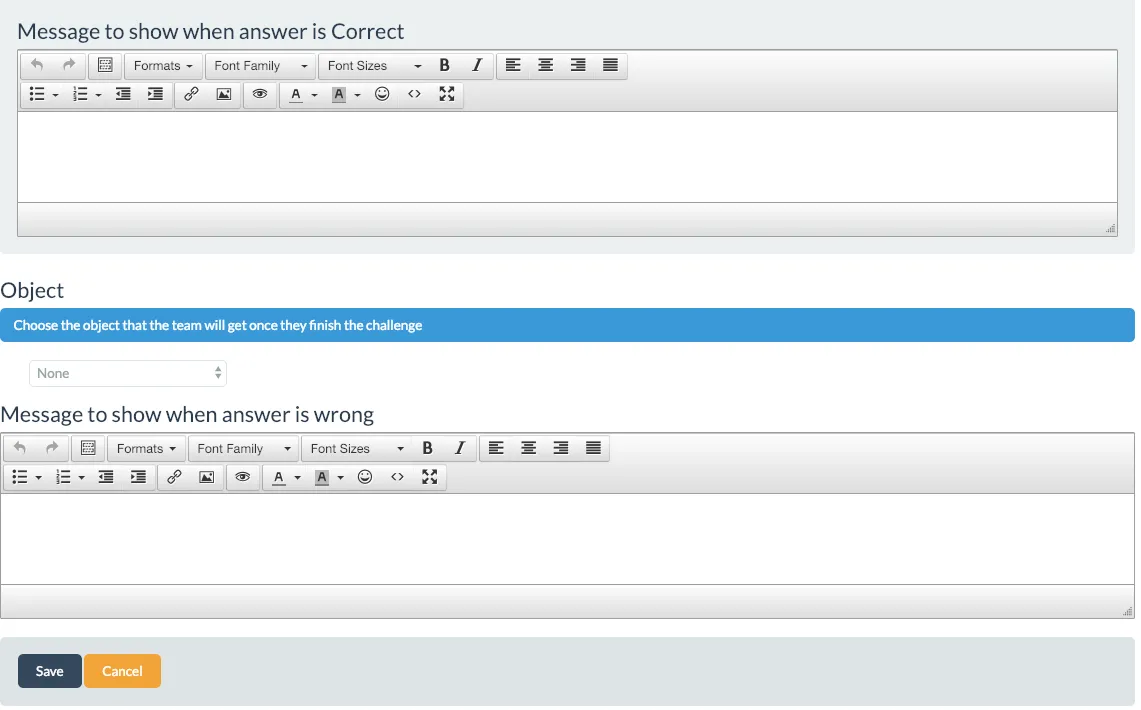
Guess the Word challenge creation form
Section titled “Guess the Word challenge creation form”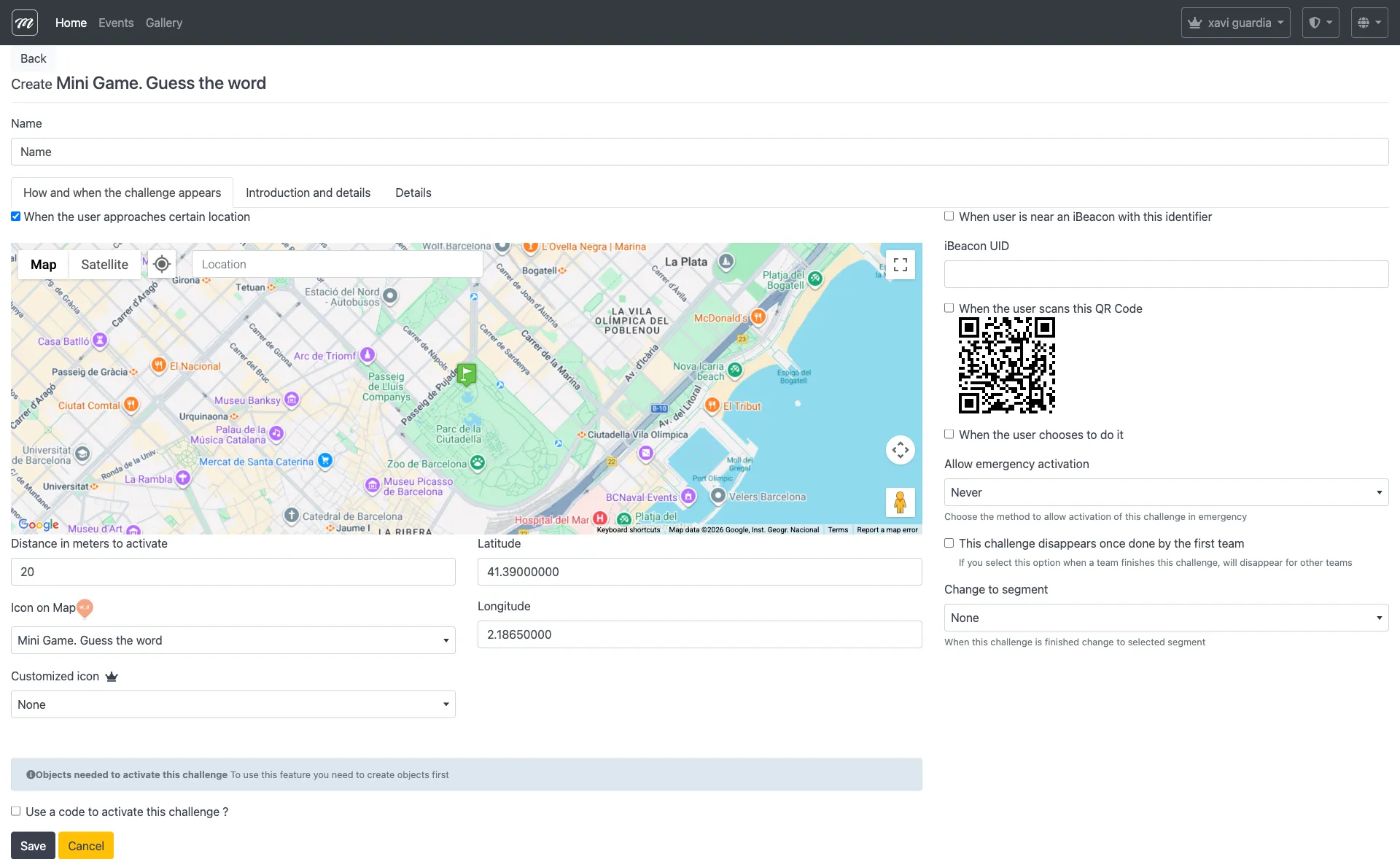
Type-specific fields
Section titled “Type-specific fields”| Field | Type | Description | Required |
|---|---|---|---|
| Show correct answer after wrong attempt | Checkbox | When checked, the correct word is revealed to the player after failure | No |
All other fields are common challenge fields.
| Field | Where to configure | Notes |
|---|---|---|
| Hidden word | Word/phrase field (common) | The word the player must guess |
| Points | Points (common field) | Awarded on successful guess |
Behavior and rules
Section titled “Behavior and rules”- This type has direct points — scoring is automatic based on completion.
- In Easy mode, each correct letter tap reveals all instances of that letter in the word.
- In Hard mode, timed hints appear after a set delay. Each hint reveals a letter but subtracts points from the total score.
- The “Show correct answer” checkbox controls whether the player sees the answer after failing.
- Words of 5-8 letters work best for keeping the game quick and engaging.
Hangman variant
Section titled “Hangman variant”Hangman is not a separate challenge type in the CMS. It is a visual variant of Guess the Word that appears in the player app. Both use the same creation form.
In the Hangman variant:
- Wrong guesses draw parts of a hangman figure.
- If the figure is complete before the word is guessed, the player loses.
- Same scoring mechanics as standard Guess the Word.