

How do I import challenges from another event?
Before you start
Section titled “Before you start”- The event must be stopped
- The source event (the one with the challenges you want) must exist in your account
- Open your event → Challenges tab.
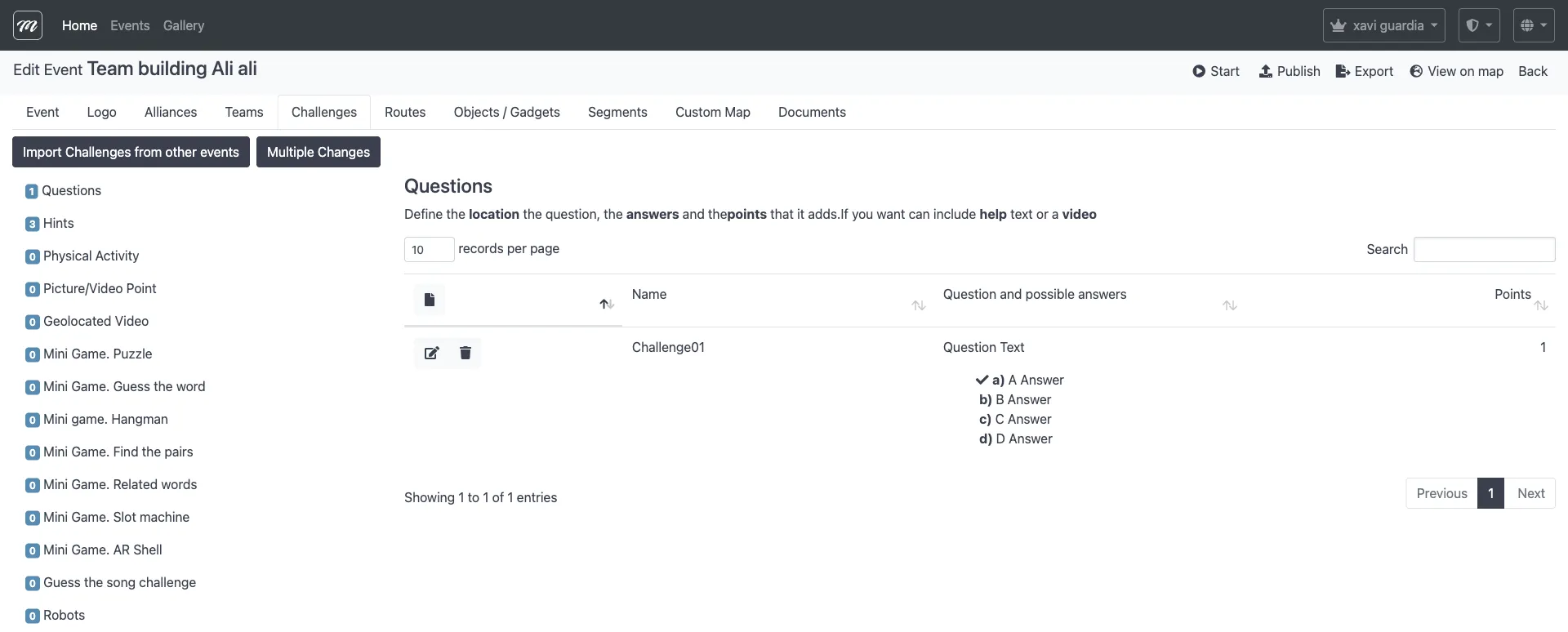
- Click Import Challenges from other events.
- Use the search box to find challenges by name or event. The table shows all challenges across all your company’s events.
- Check the challenges you want to import.
- Click Import to copy them into your event.
Result
Section titled “Result”The selected challenges are copied into your event with all their settings — type, question text, answers, points, GPS coordinates, and images. The originals in the source event are unchanged.