

How do I copy an event?
Before you start
Section titled “Before you start”- The event you want to copy must exist in your events list
- Click Events in the top bar.
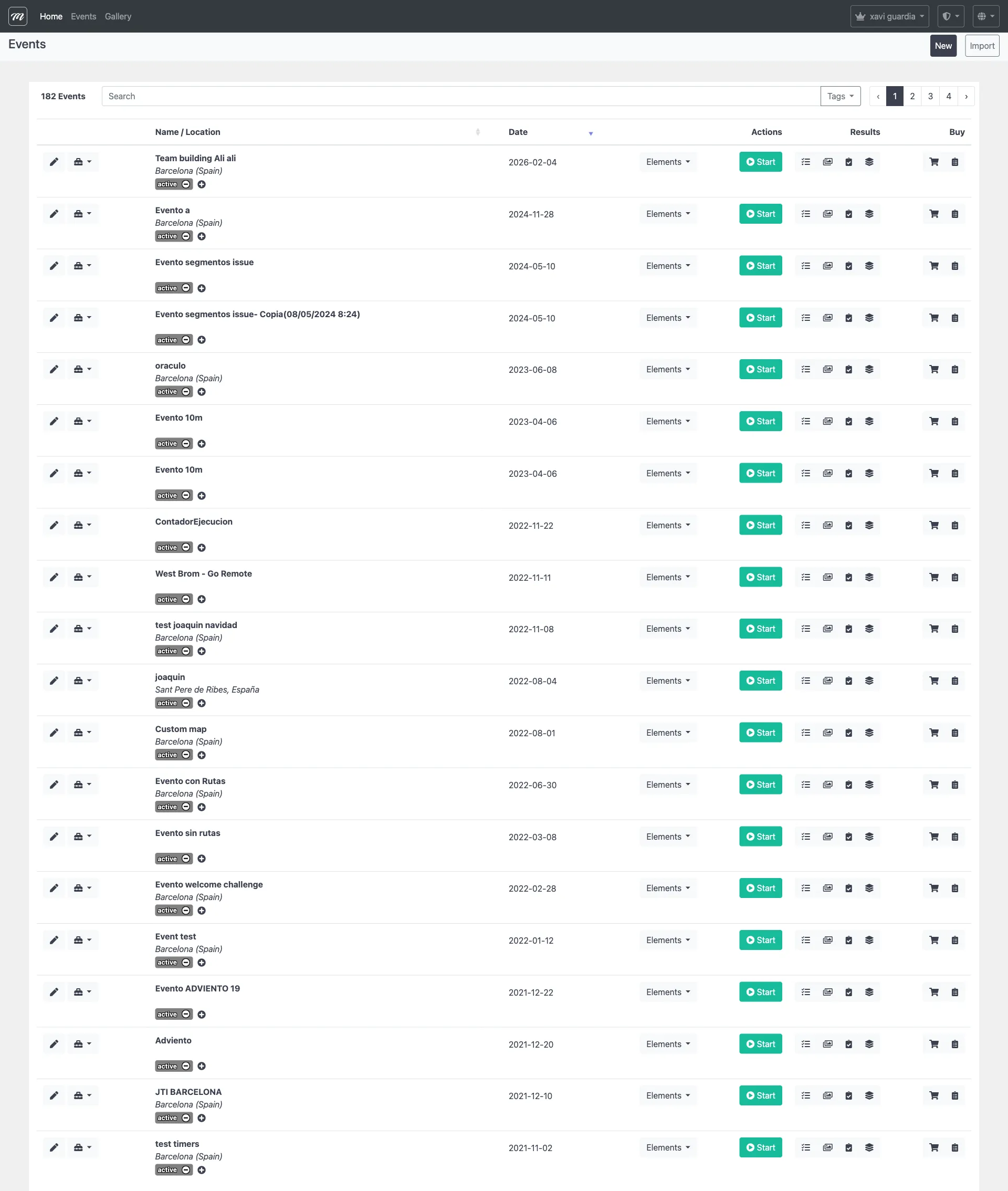
- Find the event you want to copy.
- Click the dropdown arrow on the event’s row.
- Click Duplicate.
Result
Section titled “Result”A new event appears in the list with “(Copy DD/MM/YYYY HH:MM)” appended to the name. Open it to rename it and adjust any settings.
What gets copied:
| Copied | Not copied |
|---|---|
| Event settings | Results |
| Teams (with route/alliance assignments) | GPS positions |
| Challenges (with images and coordinates) | Photos and videos |
| Routes (with challenge ordering) | Team device registrations |
| Segments | |
| Gadgets (with stock levels) | |
| Alliances |