

Navigation
What it does
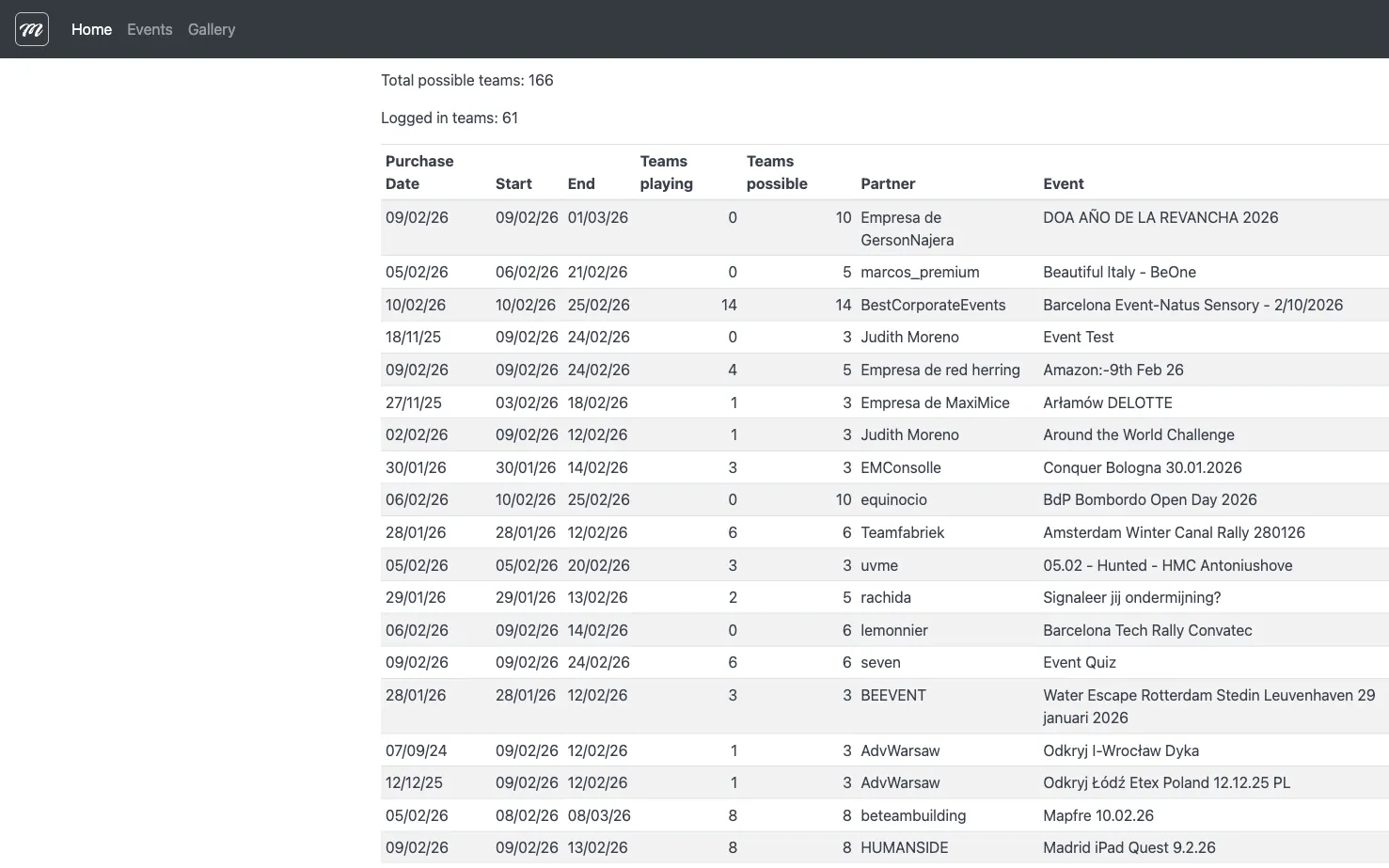
Section titled “What it does”The navigation system provides access to all MooveTeam CMS features through a fixed top bar, a main menu, and a user dropdown. Menu items are role-dependent — you see items matching your assigned role.
Requirements
Section titled “Requirements”- You must be logged in to see the full navigation
- Menu items vary by role (Agency, Indoor, Viewer)
How to access
Section titled “How to access”The top bar is visible on every page after login. It is a persistent layout element.
Structure
Section titled “Structure”The navigation has two areas: the top bar (logo + main menu) and the user dropdown (top-right).
Top bar (main menu)
Section titled “Top bar (main menu)”The horizontal menu bar at the top of every page. The active section is automatically highlighted.
| Menu item | Target | Visible to |
|---|---|---|
| Home | Home (Dashboard) | All authenticated users |
| Events | Events | All authenticated users |
| Indoor | Indoor / Quiz Mode | Users with Indoor role only |
| Gallery | Gallery | All authenticated users |
User dropdown (top-right)
Section titled “User dropdown (top-right)”A dropdown menu showing your name. Contains account features and role-specific management links.
Available to all authenticated users
Section titled “Available to all authenticated users”| Menu item | Icon | Description |
|---|---|---|
| Language | globe | Submenu with 6 languages (English, Spanish, French, Dutch, Polish, German) |
Available to Admin or Agency roles
Section titled “Available to Admin or Agency roles”| Menu item | Icon | Description |
|---|---|---|
| PhotoCall | camera | PhotoCall management |
| Downloads | download | Mobile app download links |
| Accounting | briefcase | Company sales and billing |
| Events | play-circle | Event management (duplicate entry) |
| Personajes | film | Character/avatar management |
| AR Scenes | plus-sign | Augmented reality scene management |
| Final Users | envelope | End-user management |
Always at bottom
Section titled “Always at bottom”| Menu item | Icon | Description |
|---|---|---|
| Log Off | off | End session and return to login |
Unauthenticated state
Section titled “Unauthenticated state”When you are not logged in, the top-right shows a single “Logon” button linking to the login page.
Behavior and rules
Section titled “Behavior and rules”- Fixed position. The top bar stays fixed at the top and remains visible when scrolling.
- Role-based visibility. Each menu item is shown or hidden based on your role. You only see items you have permission to access.
- Active state. The menu automatically highlights the item matching the current page.
- Menu reload after login. After login, the menu updates to show items matching your role.
Related pages
Section titled “Related pages”- Home (Dashboard) — Landing page
- Login — Authentication and language change
- Events Overview — Event management (main feature)