

Apps and Devices
App Map
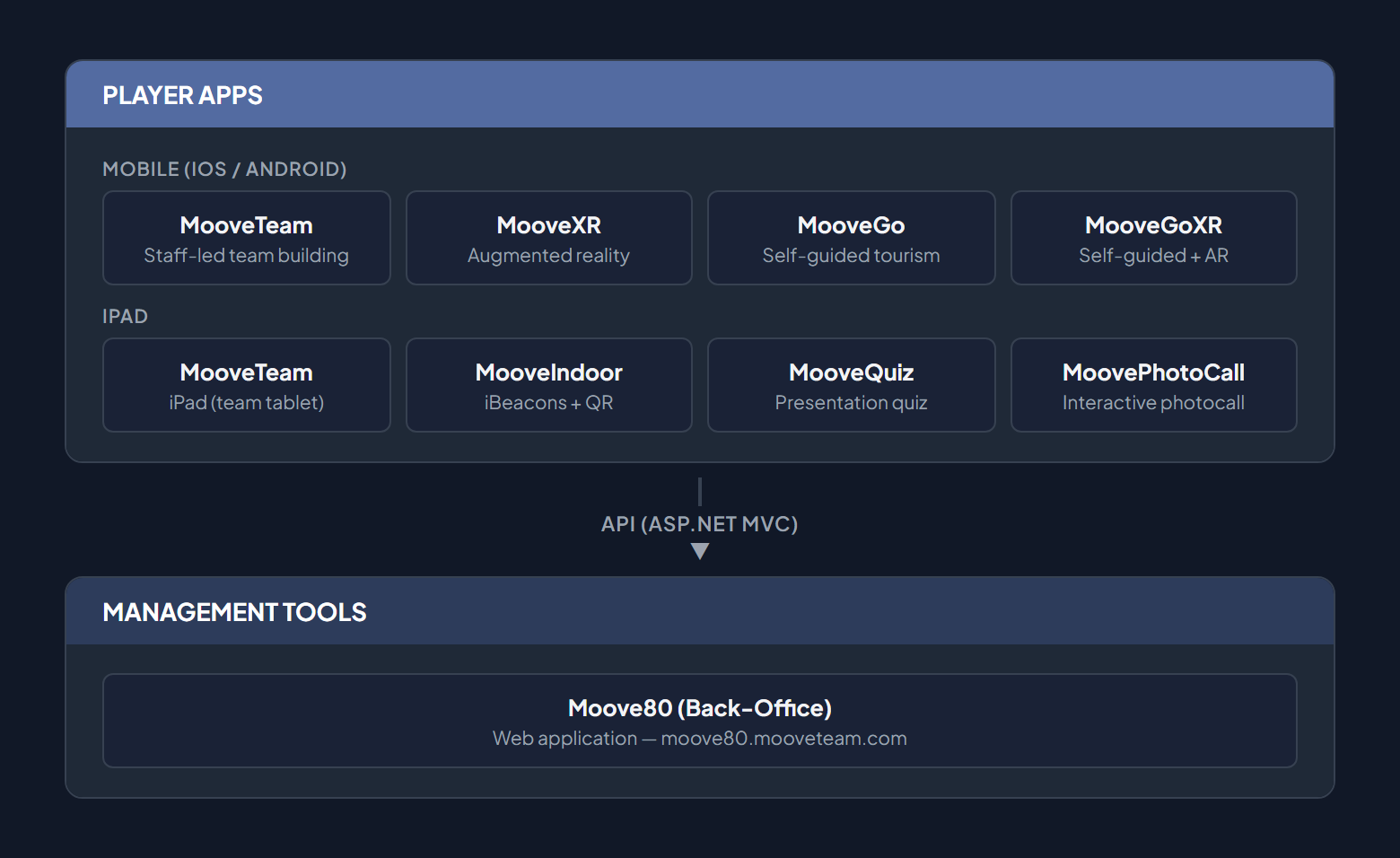
Section titled “App Map”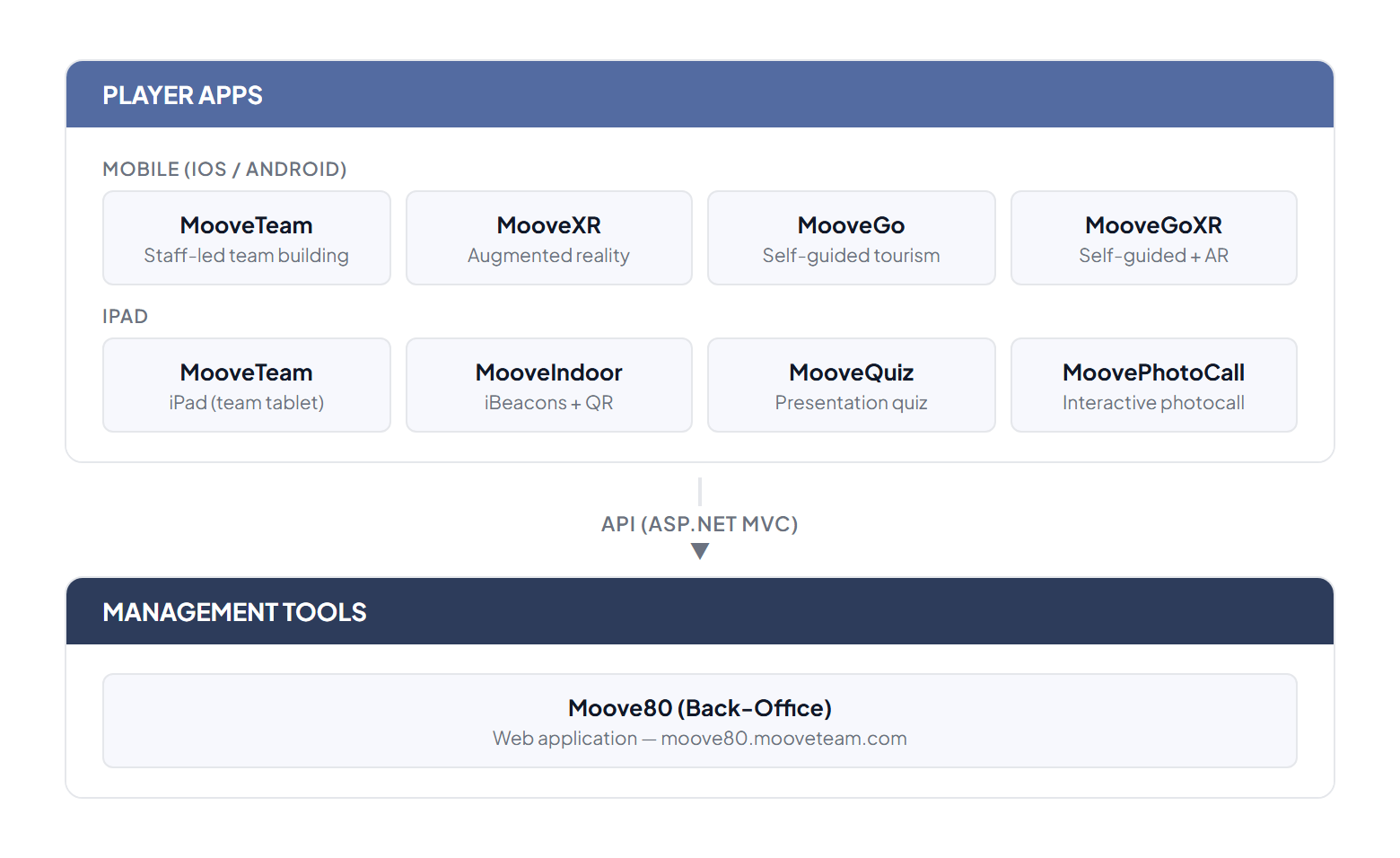
Mobile Apps (iOS / Android)
Section titled “Mobile Apps (iOS / Android)”MooveXR
Section titled “MooveXR”App specialized in augmented reality experiences for team building.
| Property | Detail |
|---|---|
| Platforms | iOS, Android |
| AR Technology | 3D objects in glb/gltf format |
| Requirement | AR-compatible device |
Additional features over MooveTeam:
- 3D object visualization in AR through the camera
- Augmented reality scenes
- AR Object Hunts (find virtual objects in the real world)
- Gadgets and objects with AR visualization
- Offline support and improved Android stability
MooveGoXR
Section titled “MooveGoXR”The player app for self-guided experiences — no staff needed. Does not include augmented reality.
| Property | Detail |
|---|---|
| Platforms | iOS (App Store), Android (Google Play) |
| Launch | May 2025 |
| Target | Tourism, education, nature-based experiences |
Features:
- Self-guided experiences without staff
- Multi-language and multi-audience
- City exploration, nature challenges, educational trails
- Branded user experience through a standard app
iPad Mode
Section titled “iPad Mode”MooveXR also runs on iPad. There are no separate iPad apps — the same MooveXR application adapts its interface based on the account’s role. When logged in with a staff account, MooveXR shows a staff control bar for managing the event in real time.
| Property | Detail |
|---|---|
| App | MooveXR (same build as mobile) |
| Credits | 1 iPad = 1 credit (up to 5 players per tablet) |
| Staff features | Results panel, suspend ranking, pending media review, segment control |
The legacy names “MooveQuiz”, “MooveIndoor”, and “MoovePhotoCall” refer to MooveXR configured with different event types and staff accounts:
| Legacy name | Actual setup |
|---|---|
| MooveQuiz | MooveXR + staff account + quiz-type event |
| MooveIndoor | MooveXR + staff account + indoor event (iBeacons/QR, no GPS) |
| MoovePhotoCall | MooveXR + staff account + photo challenge event |
MooveTeam CMS (Back-Office)
Section titled “MooveTeam CMS (Back-Office)”Web-based administration panel for designing and managing events.
| Property | Detail |
|---|---|
| Type | Web application (browser-based) |
| Access | Web (browser) |
| Authentication | Username/password |
Main Sections
Section titled “Main Sections”| Section | Function |
|---|---|
| Home | Dashboard with event and team summary |
| Events | Create, edit, and manage events (core of the system) |
| Gallery | Multimedia gallery (images, videos, audio) |
| Stats | Usage statistics |
| Track | Live GPS tracking |
| My Data | Personal account data |
| Mail Settings | Email configuration |
| API Keys | API integration keys |
| AR Scenes | Augmented reality scene management |
| Credits | Credit management and purchase |
| Tags | Tags for organizing events |
| Indoor | Indoor activity configuration |
Premium User Accounts
Section titled “Premium User Accounts”User accounts with premium status display a crown icon () next to their name. Premium accounts have access to advanced features such as segment switching lock, active segment ranking, and hide chat, among others.
Device Compatibility
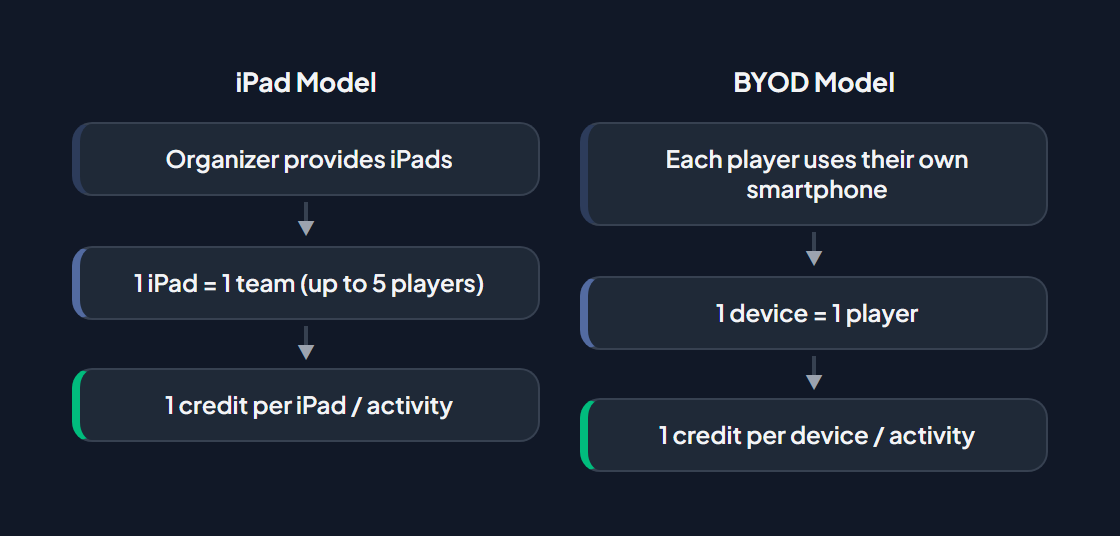
Section titled “Device Compatibility”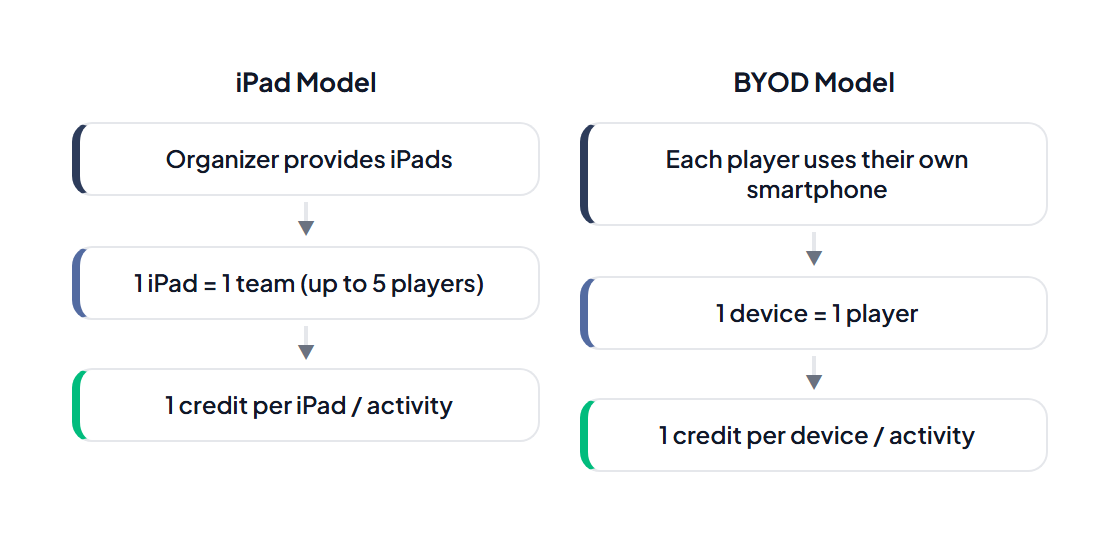
Connectivity
Section titled “Connectivity”| Mode | Requirements | Support |
|---|---|---|
| Online | Internet connection + GPS | Full |
| Offline | No connection, pre-loaded data | Partial (improved MooveXR) |
| Indoor | WiFi + iBeacons / QR | MooveXR (indoor event mode) |