

Ranking
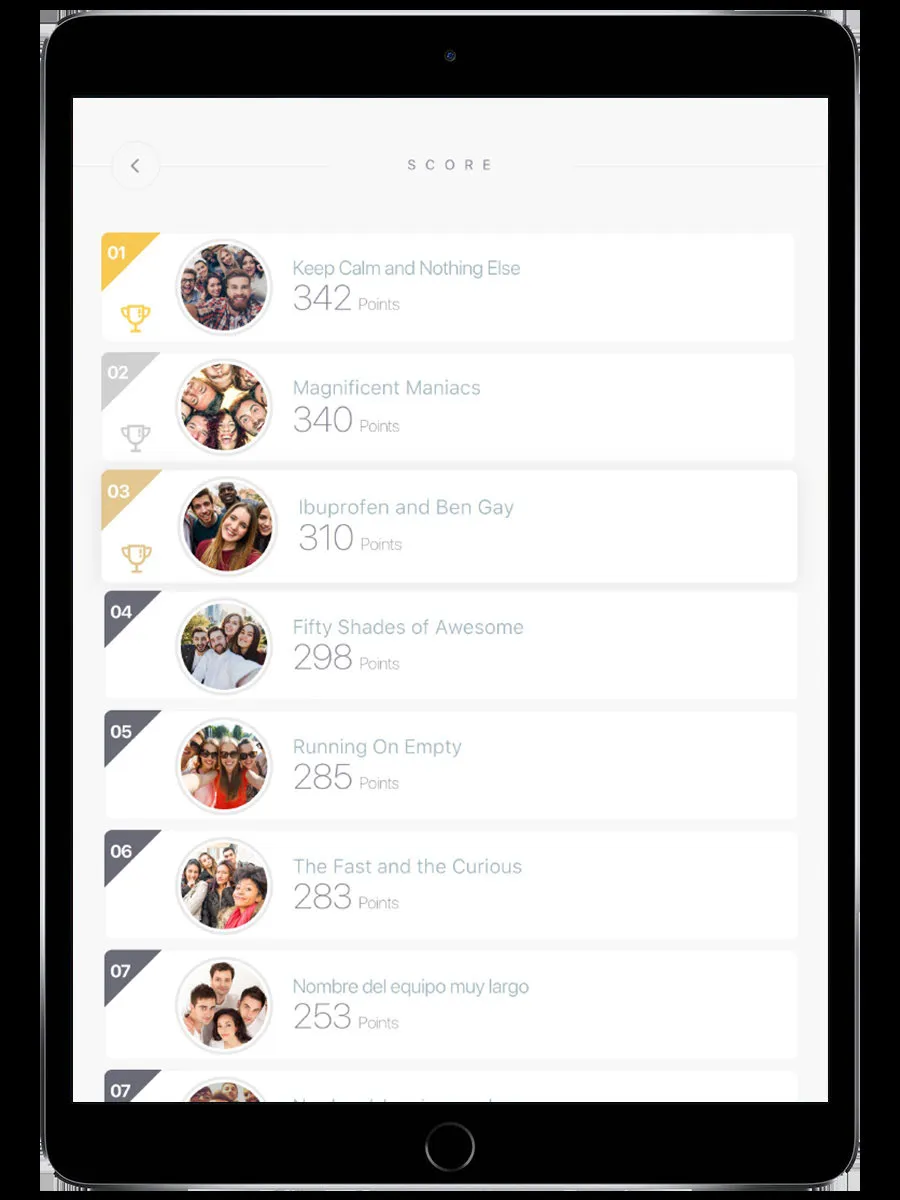
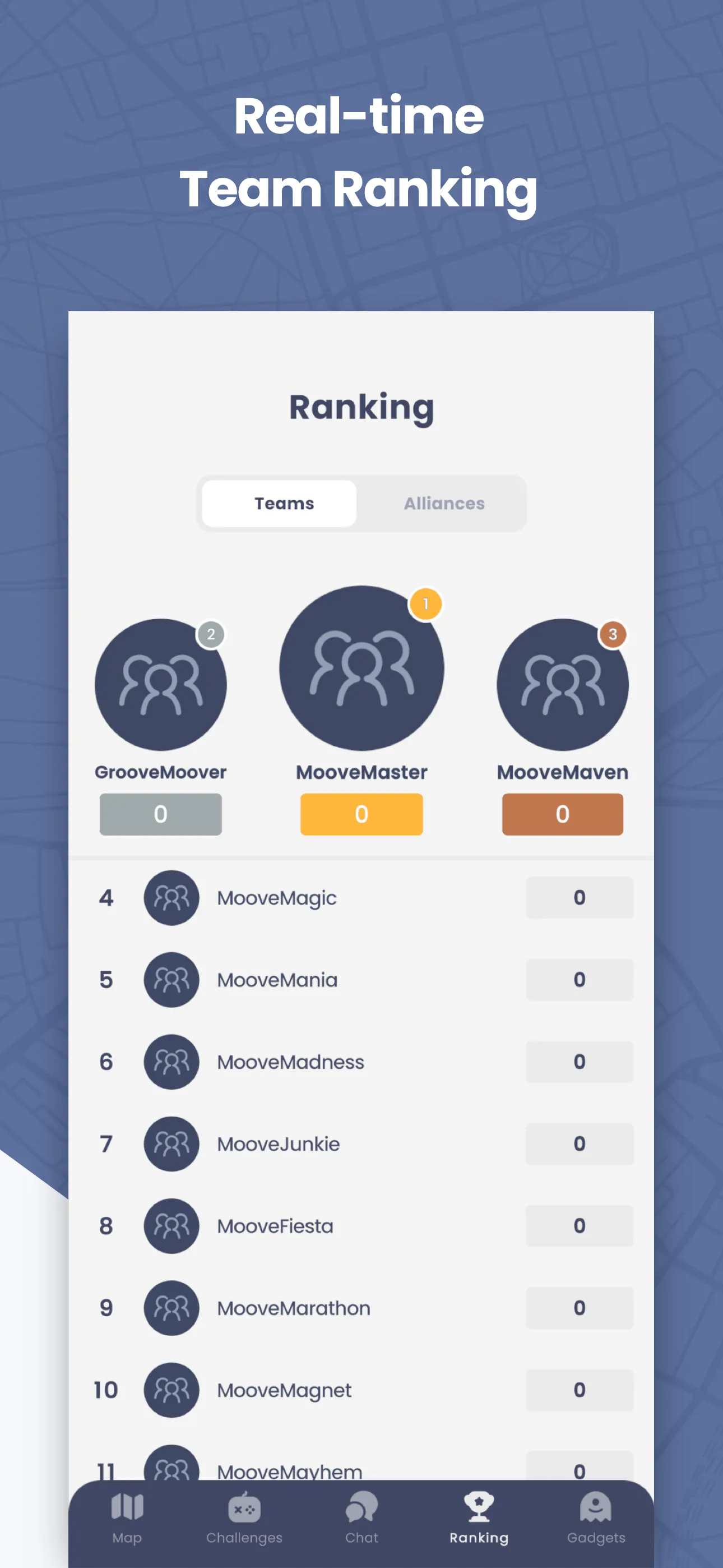
The Ranking screen shows where your team stands compared to everyone else. Teams are sorted by points, updated as challenges are completed and scored.
How to reach this screen
Section titled “How to reach this screen”Tap the Ranking tab on the navigation bar.
If you don’t see the Ranking tab, the event staff may have temporarily hidden it to build suspense before revealing final results.
What you see
Section titled “What you see”- Position — Your team’s rank (1st, 2nd, 3rd…)
- Team names — All teams in the event
- Scores — Total points earned by each team
If the event uses alliances, a second tab shows alliance rankings — the combined score of all teams in each alliance.
How scoring works
Section titled “How scoring works”Points come from completing challenges. The organizer sets how many points each challenge is worth.
- Auto-scored challenges (quizzes, puzzles, mini-games) — Points are awarded immediately when you finish
- Staff-scored challenges (photos, free-text answers) — Points are awarded after a staff member reviews and scores your submission
Some events award bonus points to the first, second, and third teams to complete a challenge.
Ranking updates
Section titled “Ranking updates”The ranking refreshes periodically. Go back to the map and return to the Ranking tab to see the latest scores.
Related pages
Section titled “Related pages”- Challenges — How you earn points
- Staff Mode — How staff score submissions and manage the ranking