

How to read the ranking
Step by step
Section titled “Step by step”1. Open the Ranking tab
Section titled “1. Open the Ranking tab”Tap Ranking on the navigation bar. If you don’t see it, the event staff may have hidden it temporarily.
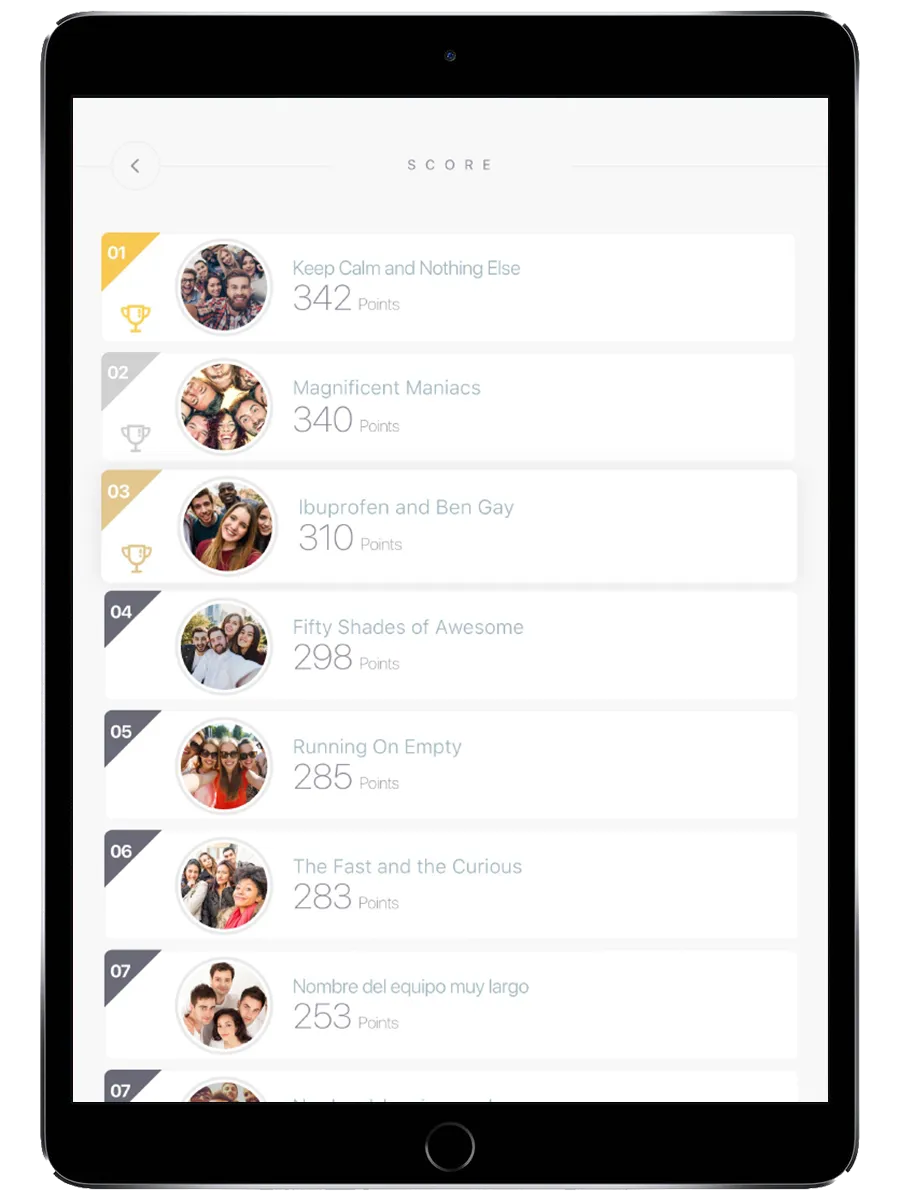
2. Find your team
Section titled “2. Find your team”Teams are listed by score, highest first. Your team’s name and position appear in the list.
3. Understand the scores
Section titled “3. Understand the scores”- Points come from completing challenges
- Auto-scored challenges (quizzes, puzzles, mini-games) add points immediately
- Staff-scored challenges (photos, free-text answers) add points after a staff member reviews them — there may be a delay
4. Check alliance ranking (if available)
Section titled “4. Check alliance ranking (if available)”If your event uses alliances, a second tab shows alliance scores. Alliance scores combine all teams in the alliance.
Why my score isn’t updating
Section titled “Why my score isn’t updating”- Staff hasn’t scored your submission yet. Photo and free-text challenges need manual scoring. Be patient.
- Refresh the view. Go back to the map and return to the Ranking tab to see the latest numbers.
- Ranking is suspended. Staff may have temporarily hidden the ranking to build suspense before final results.