

Chat
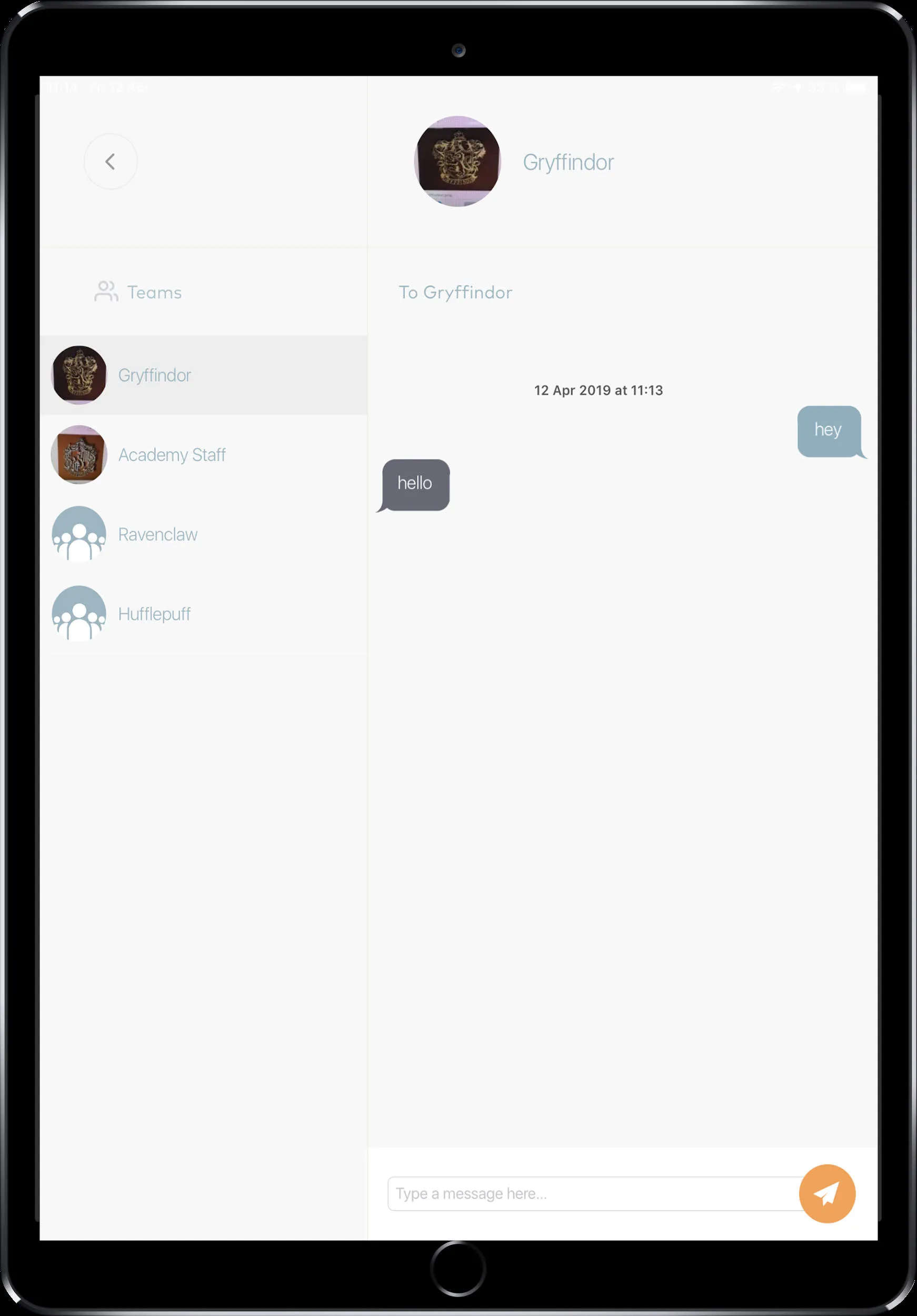
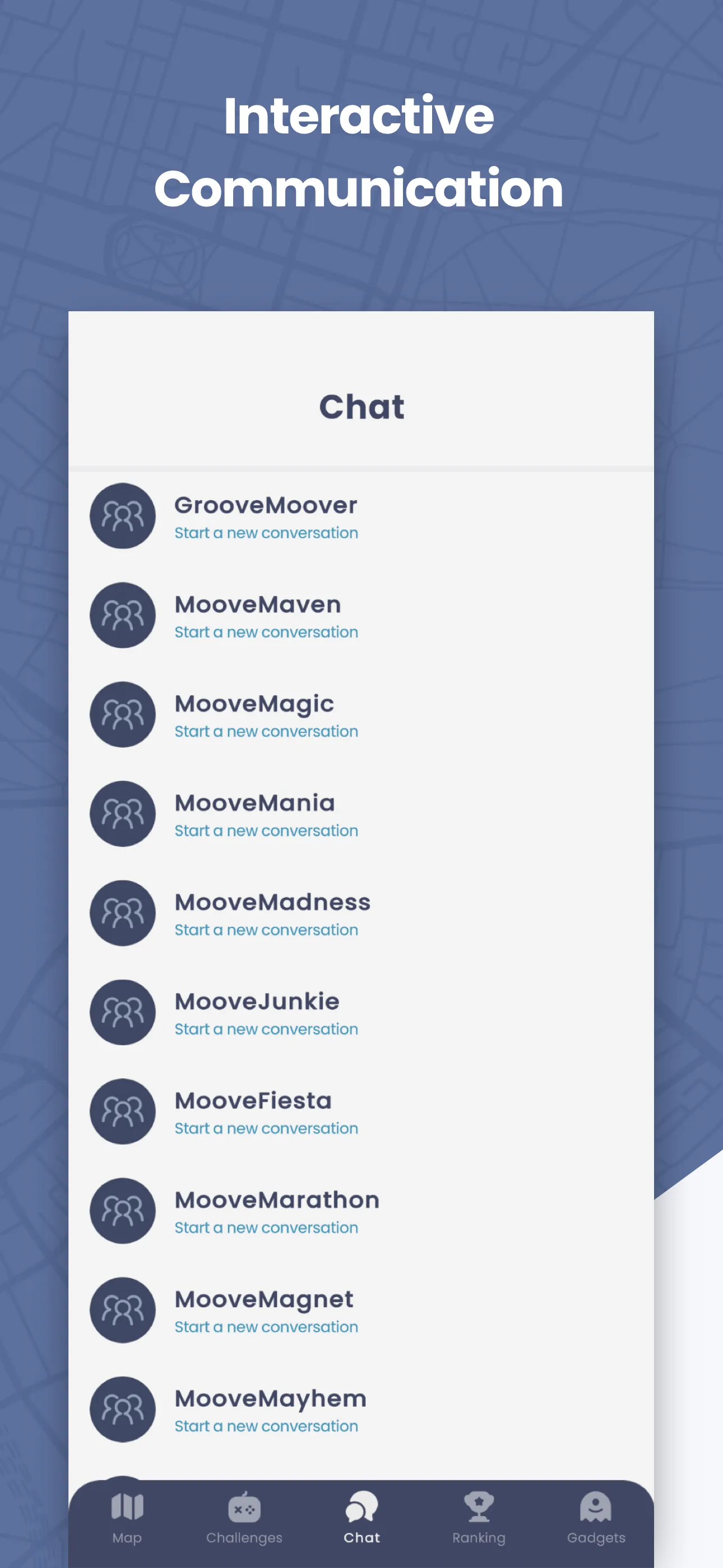
The Chat screen lets you send text messages to other teams during the event. If your event uses alliances, you can also message your alliance group.
How to reach this screen
Section titled “How to reach this screen”Tap the Chat tab on the navigation bar.
The Chat tab only appears if the organizer enabled chat for the event. If you don’t see it, chat is disabled.
Chat channels
Section titled “Chat channels”| Channel | Who can see messages |
|---|---|
| Team chat | All teams in the event |
| Alliance chat | Only teams in your alliance |
The Alliance tab only appears if your event uses alliances.
Sending a message
Section titled “Sending a message”- Tap the Chat tab
- Choose a team from the list (or your alliance channel)
- Type your message in the input field
- Tap Send
Messages are delivered instantly. If you’re not on the Chat screen when a message arrives, you’ll get an in-app notification.
Related pages
Section titled “Related pages”- Map & Navigation — Where the Chat tab lives
- Gadgets — Gadget notifications also appear as alerts