

Photo / Video
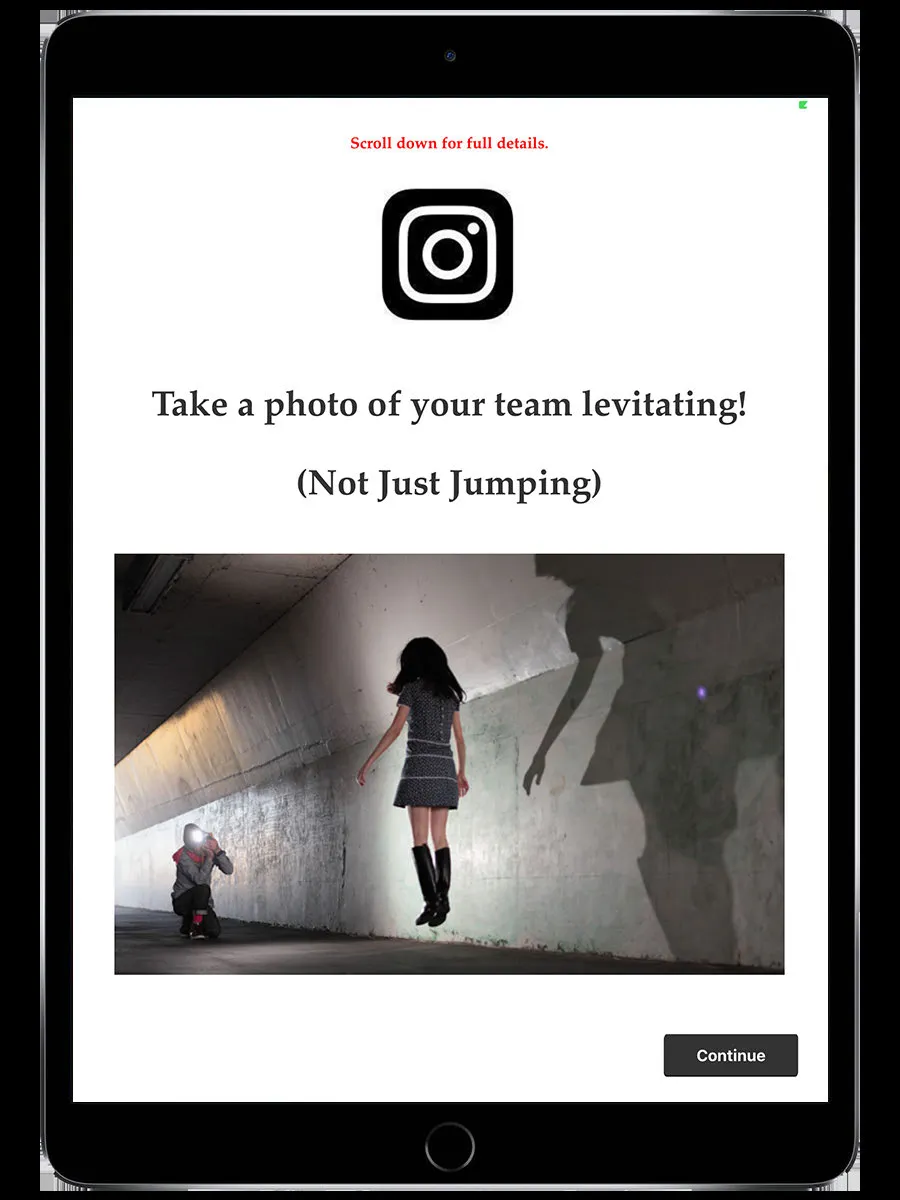
A creative challenge where you take a photo or record a video to submit as your answer. A staff member reviews and scores your submission.
How it works
Section titled “How it works”- Read the briefing — it tells you what to photograph or film
- The camera opens
- Photo: Take your shot. You can retake it if you’re not happy
- Video: Record a clip (up to 60 seconds for premium events, 20 seconds for standard)
- For photos, the Photo Editor opens — add filters, stickers, drawing, or text
- Submit your photo or video
Scoring
Section titled “Scoring”Photo and video challenges are always staff-scored. Your submission goes into a queue. A staff member views it and sets a score from 0 to the challenge’s maximum points.
Until scored, your submission shows as “pending” — you won’t see the points immediately on the ranking.
- Read the briefing carefully. The organizer describes exactly what they want to see. Creative interpretation is usually welcome, but make sure you capture what’s asked.
- Don’t spend too long editing. The challenge timer keeps running while you’re in the photo editor.
- Check your camera lens. A smudged lens ruins otherwise good shots.
Related pages
Section titled “Related pages”- Photo Editor & Gallery — Editing tools available after capture
- Staff Mode — How staff score your submission
- Challenges overview — How all challenges work