

Challenges
Challenges are the heart of every MooveTeam event. Each one is an interactive task — a quiz, a photo mission, a puzzle, a physical activity, or something else — that your team completes to earn points.
How a challenge works
Section titled “How a challenge works”Every challenge follows the same steps:
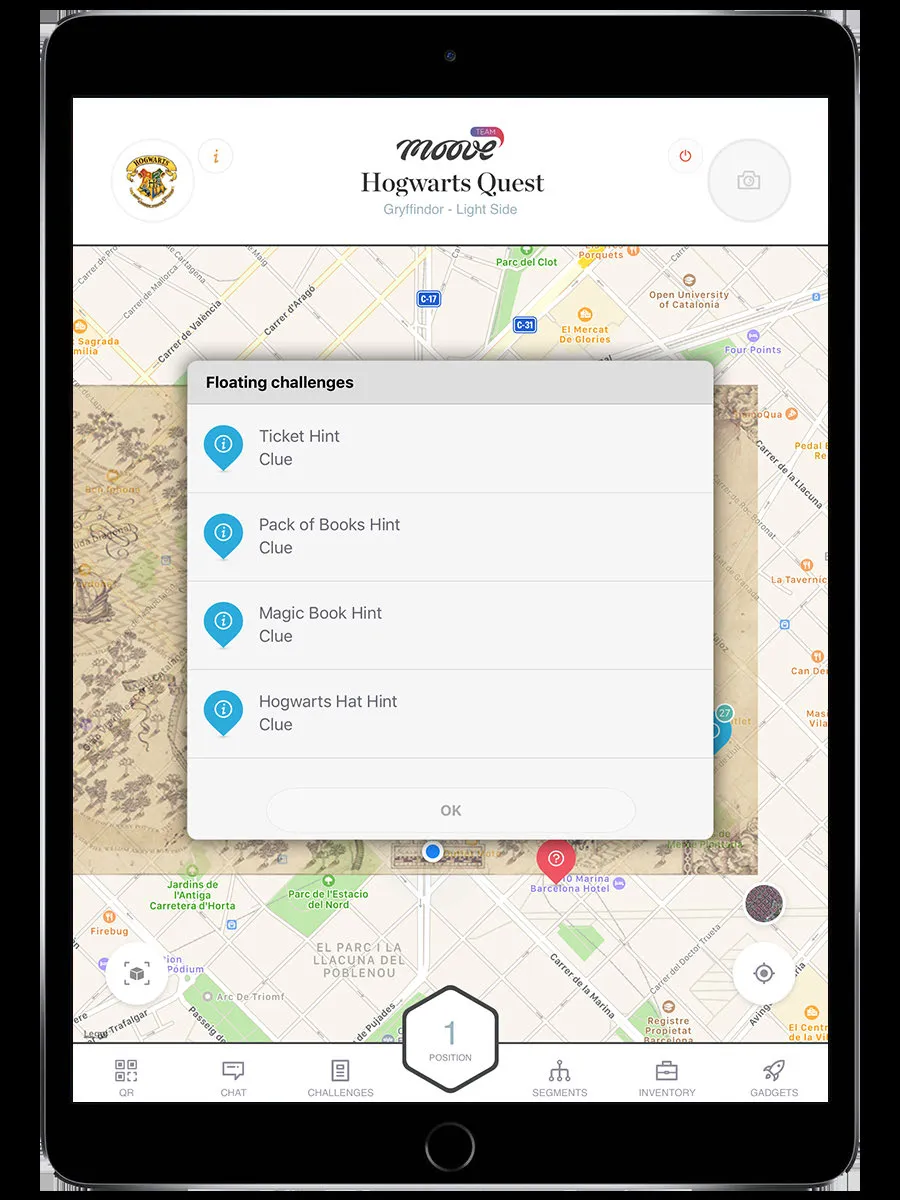
1. Activate
Section titled “1. Activate”The challenge triggers. Depending on the event setup, this happens when you:
- Walk close enough to the challenge marker (GPS proximity)
- Tap the marker on the map (if the organizer allows it)
- Scan a QR code at the venue
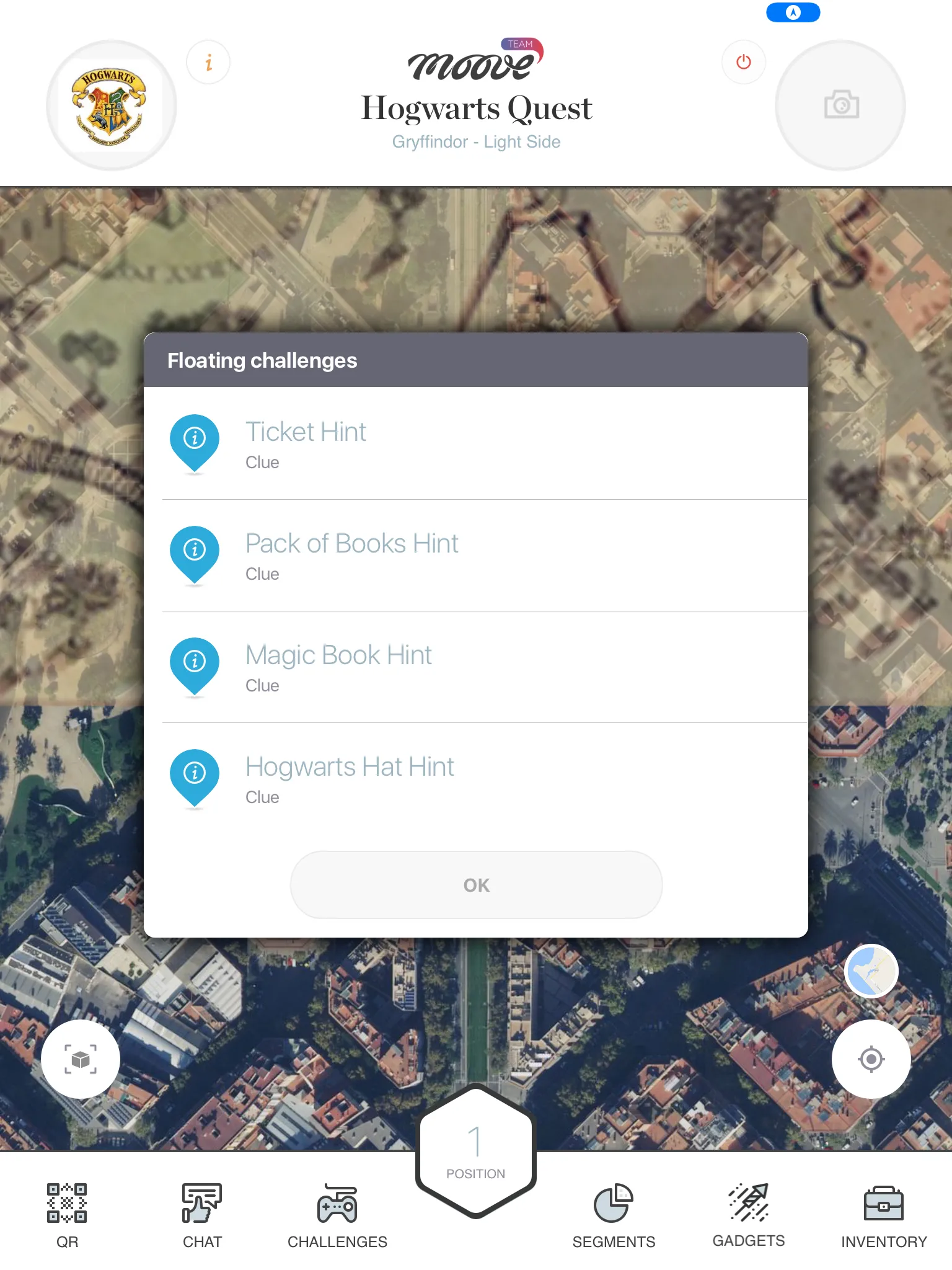
- Tap it in the challenge list (for “floating” challenges with manual activation)
- Walk near a Bluetooth beacon (indoor events)
- The organizer set it as a welcome challenge (starts automatically when you join)
Some challenges also require an activation code — a number or word given to you by staff or printed at the venue. An on-screen keyboard appears for you to enter it.
Some challenges require you to have specific items in your inventory before they’ll start. If you’re missing something, a message tells you what you need.
2. Briefing
Section titled “2. Briefing”A screen shows the challenge instructions — text, images, maybe a video. Read it carefully. When you’re ready, tap to start.
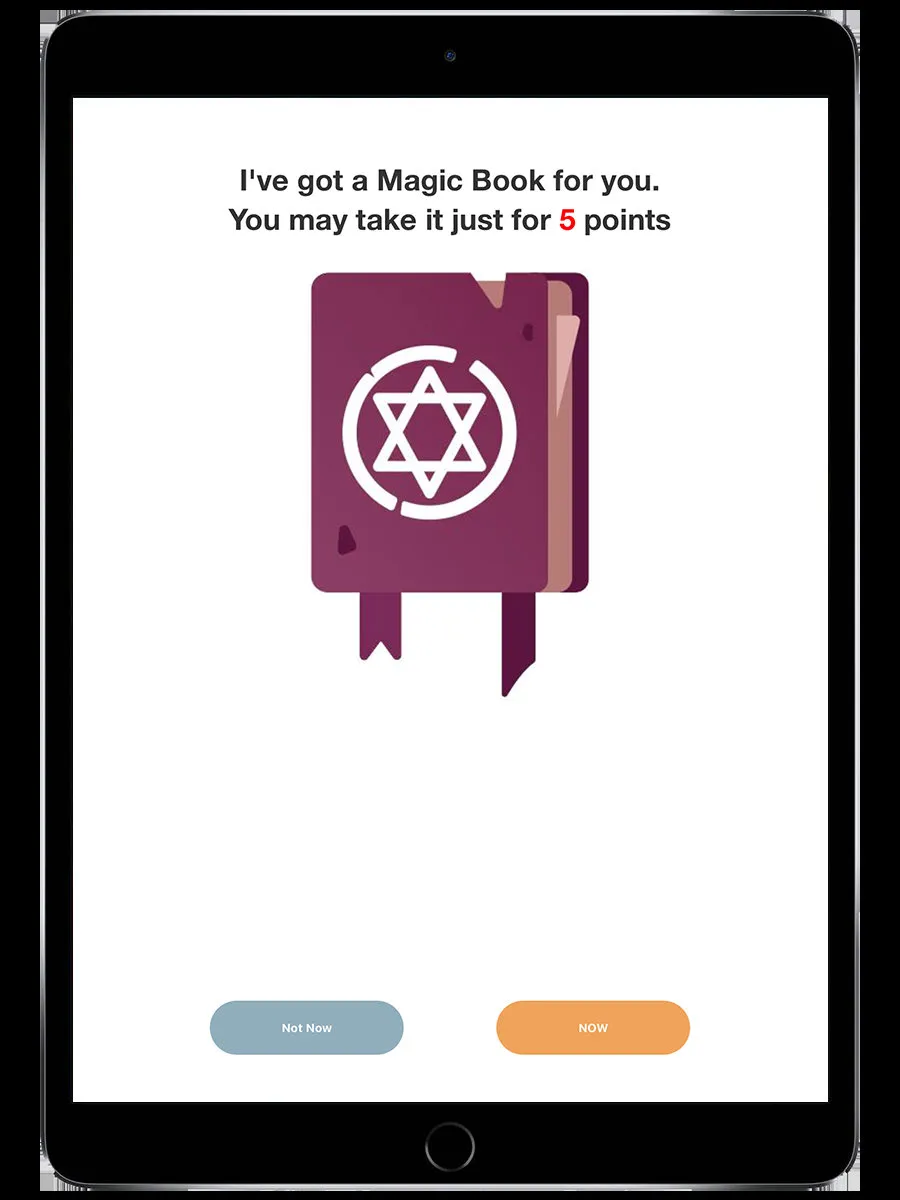
3. Play
Section titled “3. Play”The challenge-specific gameplay begins. A countdown timer may appear at the top of the screen (the organizer sets the time limit for each challenge).
When 20% of the time remains, the timer turns red and plays a warning sound. If the timer hits zero, the challenge ends automatically.
4. Result
Section titled “4. Result”The challenge determines your result:
| Result | Meaning |
|---|---|
| Correct / Complete | You answered correctly or finished the task |
| Wrong / Failed | You got it wrong or didn’t finish in time |
| Timeout | The timer ran out before you could finish |
5. Score
Section titled “5. Score”Points are awarded based on your result. For auto-scored challenges (quizzes, puzzles, mini-games), this is immediate. For staff-scored challenges (photos, free-text answers), your submission goes into a queue and a staff member scores it later.
After scoring, you return to the map and the challenge marker updates to show it’s been completed.
Challenge types
Section titled “Challenge types”MooveTeam supports 15 challenge types, organized into categories:
Knowledge
Section titled “Knowledge”| Type | What you do |
|---|---|
| Question | Answer a multiple-choice or free-text quiz |
| Clue | Read information — no answer required |
Creativity
Section titled “Creativity”| Type | What you do |
|---|---|
| Photo / Video | Take a photo or record a video |
Mini-games
Section titled “Mini-games”| Type | What you do |
|---|---|
| Puzzle | Reassemble a scrambled image |
| Guess the Word | Figure out a hidden word letter by letter |
| Find the Pairs | Flip cards to match pairs (memory game) |
| Related Words | Pick words that relate to a given topic |
| Slot Machine | Spin the reels |
Physical
Section titled “Physical”| Type | What you do |
|---|---|
| Physical Activity | Complete a physical task (balance, running, etc.) |
AR & Multimedia
Section titled “AR & Multimedia”| Type | What you do |
|---|---|
| AR Image Tracking | Point camera at a marker for augmented content (MooveXR only) |
| Geolocated Video | Watch a video anchored to a GPS location (MooveXR only) |
| Shell Game | Find the ball under the cups in AR (MooveXR only) |
Reward
Section titled “Reward”| Type | What you do |
|---|---|
| Prizes | Spin a slot machine to win virtual prizes |
Advanced
Section titled “Advanced”| Type | What you do |
|---|---|
| Guess the Song | Identify a song from an audio clip |
| Robot | Chase or flee from a virtual character on the map |
Offline play
Section titled “Offline play”All challenge content (images, audio, video, AR targets) is downloaded when you join the event. Challenges work even if your internet connection drops — results are saved locally and submitted when you reconnect.
Related pages
Section titled “Related pages”- Map & Navigation — Where challenges appear on the map
- Ranking — Where your scores show up
- Staff Mode — How staff score photo and text submissions