

AR Features
MooveXR uses your device’s camera to overlay digital content on the real world. There are three AR modes your organizer can include in an event.
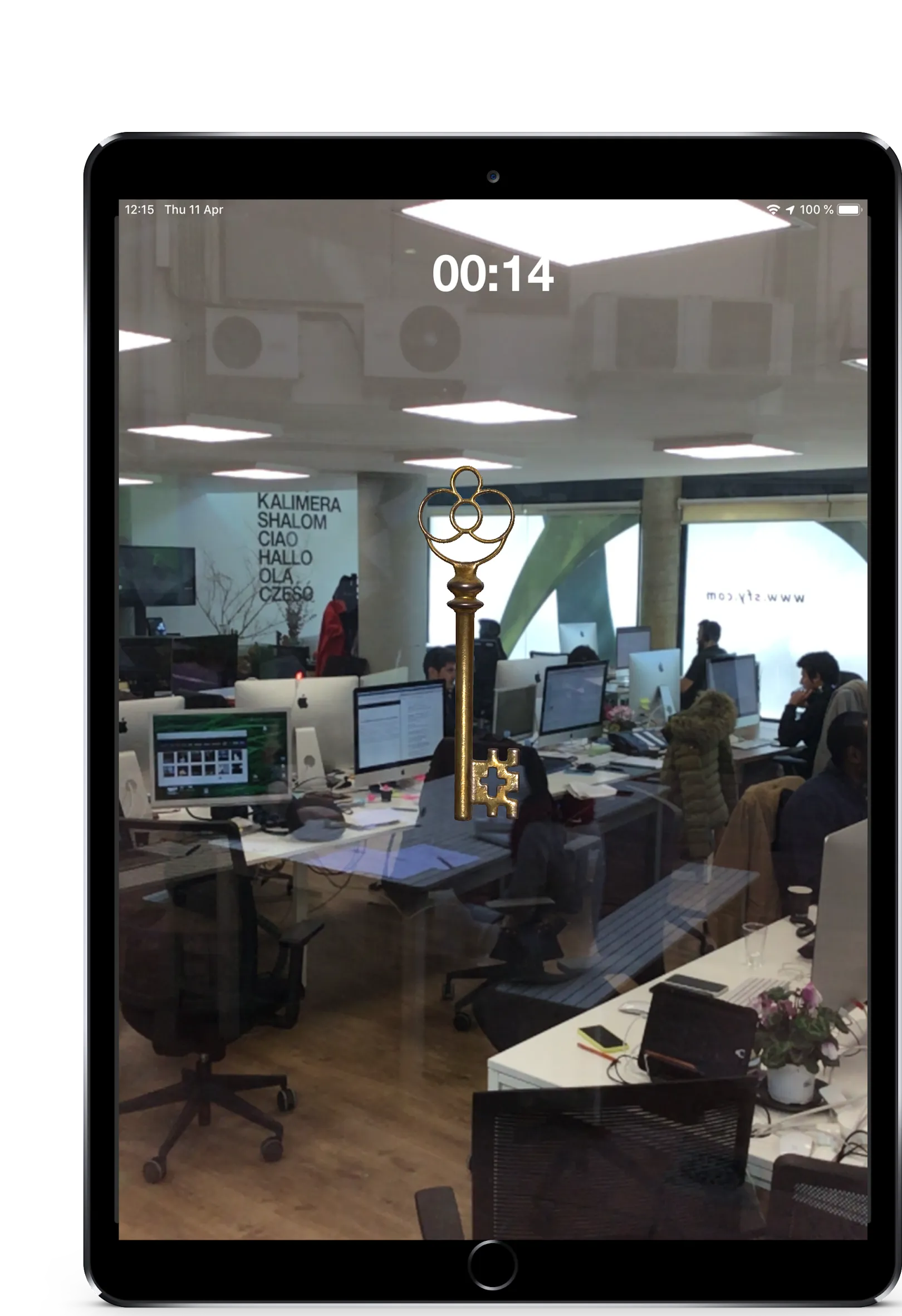
Image tracking
Section titled “Image tracking”Point your camera at a physical marker (a printed image, poster, or sign placed at the venue), and the app recognizes it and displays content on top of it.
What appears depends on what the organizer configured:
| Content type | What you see |
|---|---|
| Image overlay | A digital image replaces or sits on top of the marker |
| Video | A video plays on the marker’s surface |
| 3D model | A 3D object appears anchored to the marker |
This is used for AR challenges and for AR scenes in challenge introductions (the briefing screen before a challenge starts).
Object pickup
Section titled “Object pickup”Some events hide 3D objects in the real world using AR. When you reach the right location:
- A 3D object appears through your camera — floating in the air or sitting on a surface
- Walk toward it until you’re close enough
- The object “collected” and appears in your Inventory
You have about 60 seconds to pick up the object before it disappears. These objects can be gadgets, collectible items, or challenge prerequisites.
Geolocated video
Section titled “Geolocated video”A video anchored to a specific GPS location. When your team arrives:
- Open the camera
- The video appears floating in 3D space, positioned in the direction of the challenge location
- Watch the video — it may contain clues, instructions, or story content
This combines GPS positioning with AR to create location-aware video experiences.
Device requirements
Section titled “Device requirements”AR features require a compatible device:
- Android: ARCore-compatible device (most phones from 2018 onwards)
- iOS: ARKit-compatible device (iPhone 6S or later, iOS 13.0+)
If your device doesn’t support AR, the app warns you. AR-specific challenges may have limited functionality on incompatible devices, but non-AR features work normally.
Related pages
Section titled “Related pages”- AR Challenge — The AR image tracking challenge type
- Geolocated Video — The GPS-anchored video challenge
- Gadgets & Inventory — Picking up 3D items in AR