

How do I stop an event?
Before you start
Section titled “Before you start”- The event must be currently running
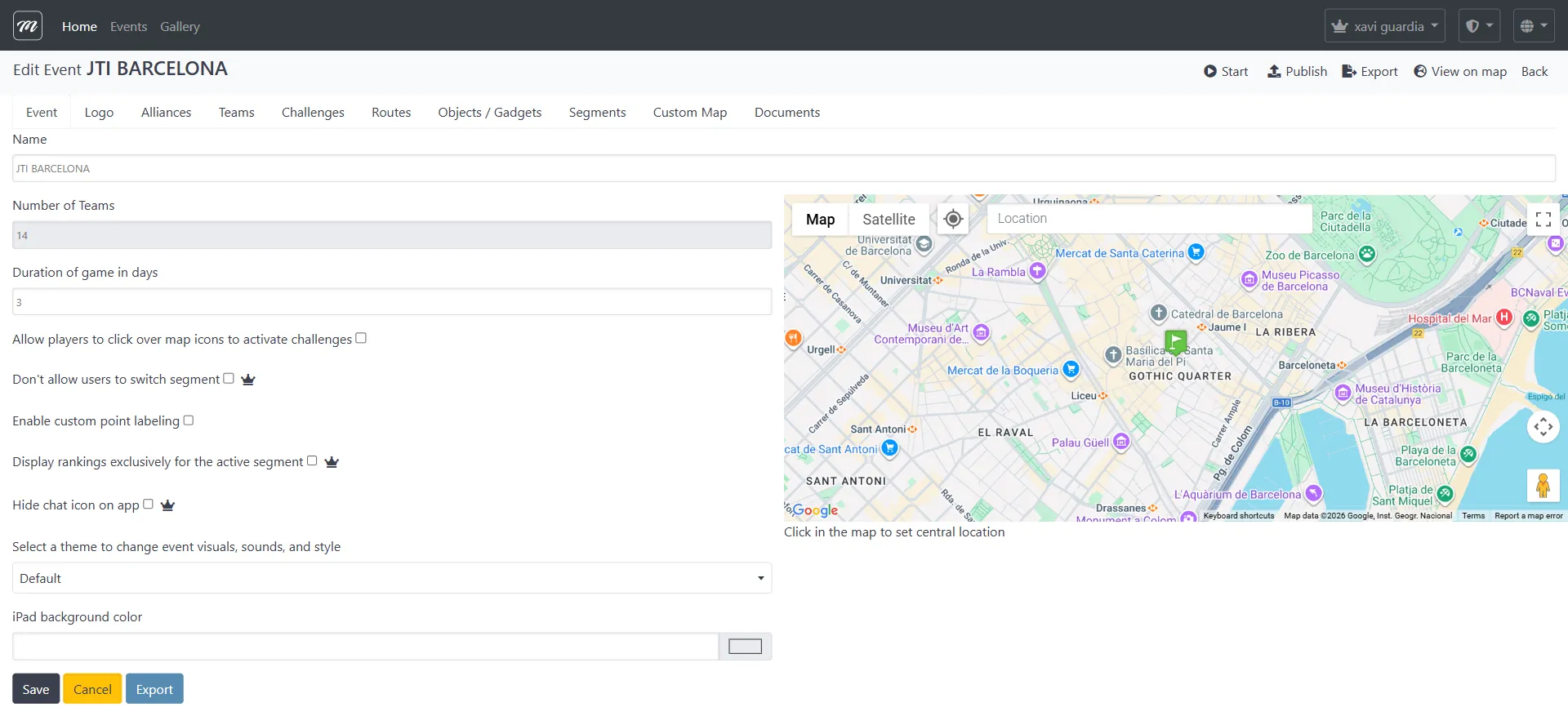

- Go to the Events list.
- Click the event name to open the event edit page.
- Click the event’s action bar button to open the Live Control page (for a running event, this takes you directly to Live Control).
- On the Live Control page, click the Stop button.
- Review the confirmation showing:
- Number of GPS positions recorded
- Number of results recorded
- Whether any background jobs are still processing
- Click Stop to confirm.
Result
Section titled “Result”The event stops immediately. All data is preserved — results, photos, GPS tracks, and messages. You can now generate reports and export everything.