

How do I delete an event?
Before you start
Section titled “Before you start”- The event must be stopped — you cannot delete a running event
- Make sure you have exported everything you need (results, photos, reports)
- Click Events in the top bar.
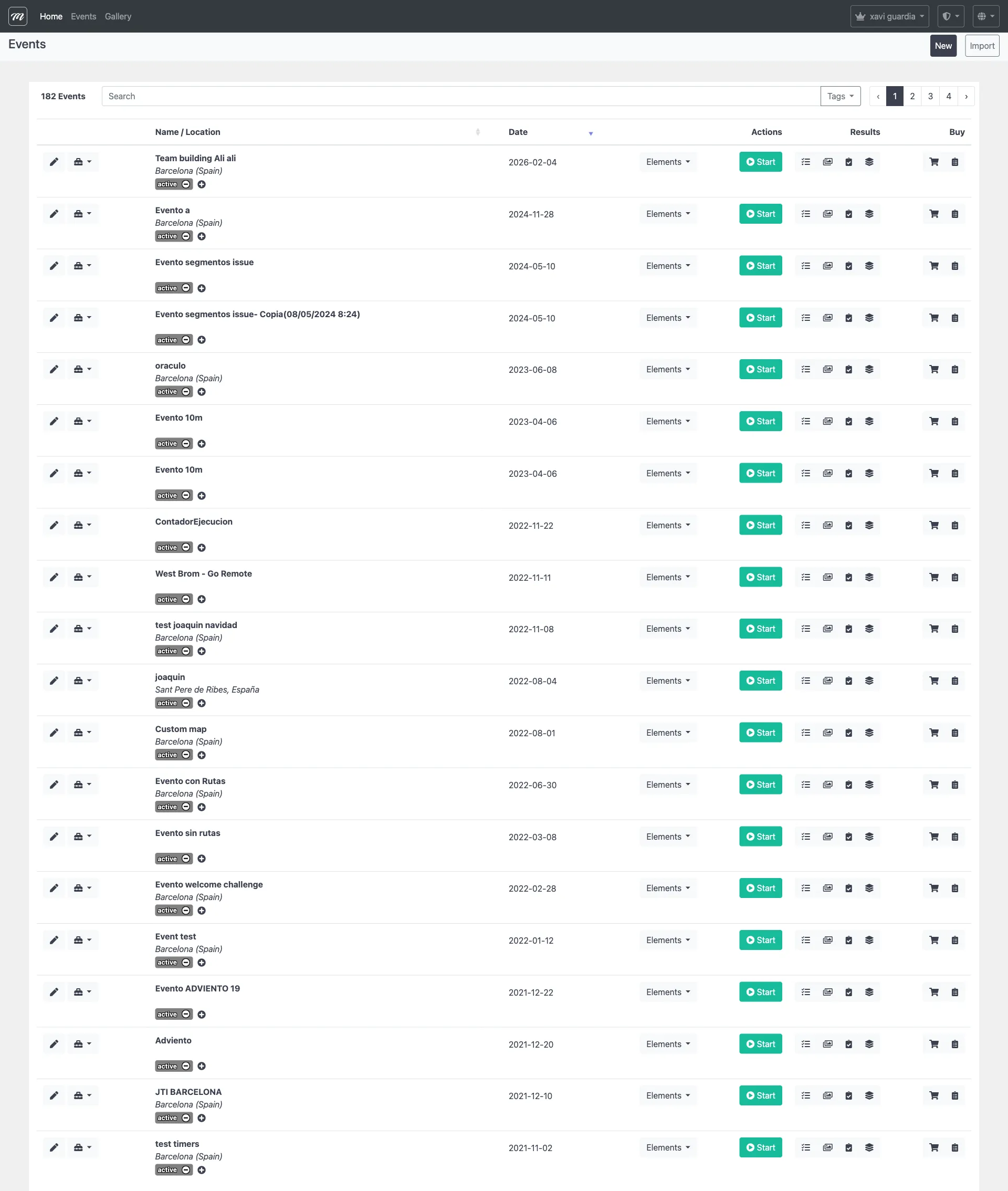
- Find the event you want to delete.
- Click the dropdown arrow on the event’s row.
- Click Clear results or delete event.
- You see a confirmation page. To delete:
- Type the event name exactly as it appears. The Delete button stays disabled until the name matches.
- Click Delete Event.
Result
Section titled “Result”The event and all its data are permanently removed. There is no undo, no archive, no recycle bin.
If you only want to clear results: On the same confirmation page, click Clear Results instead. This removes all results, photos, and GPS data but keeps the event structure (teams, challenges, routes) intact — useful when you want to rerun the same event for a different client.