

How do I choose the right challenge type?
Quick decision guide
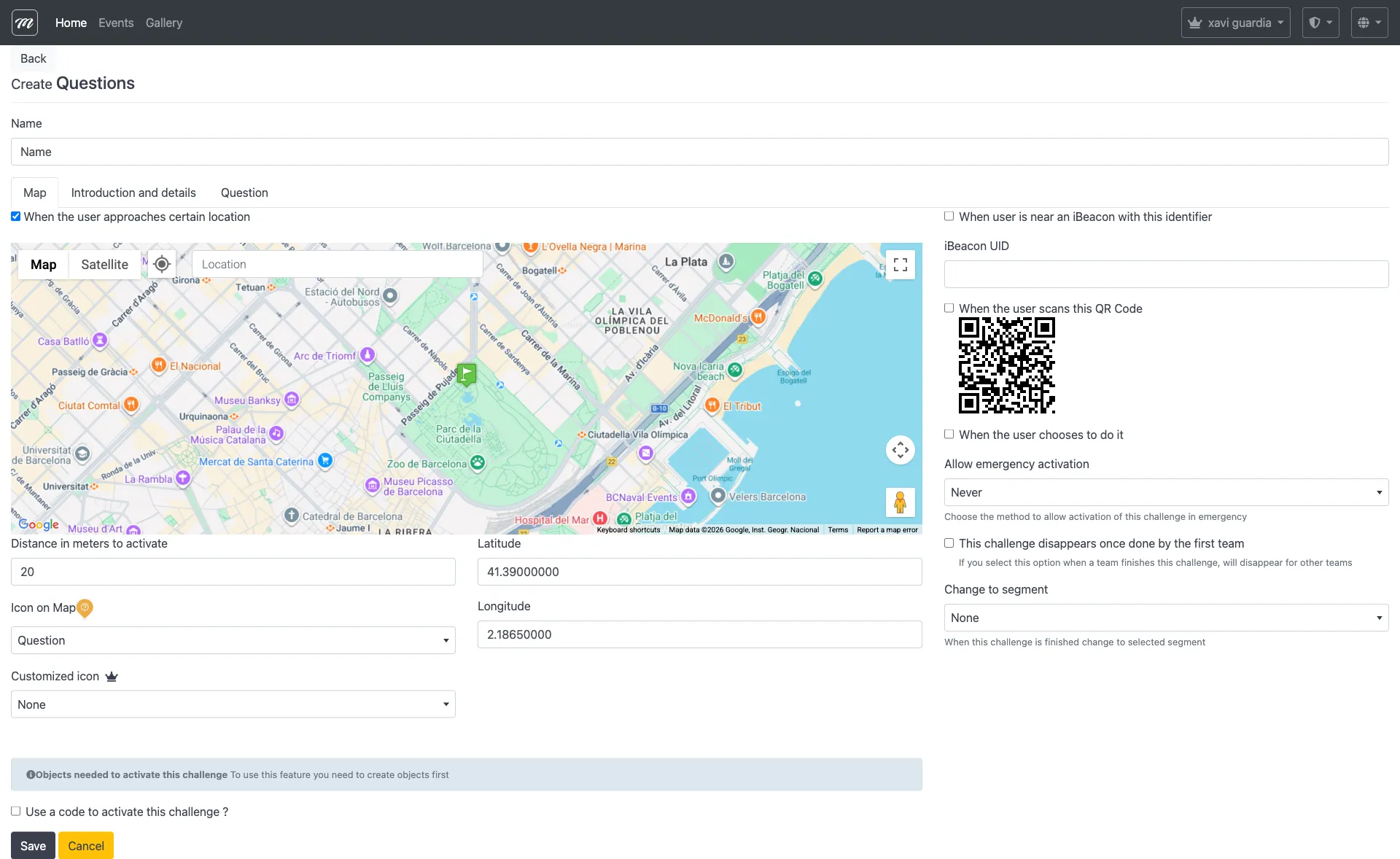
Section titled “Quick decision guide”“I want players to answer a question.” → Use Questions. Supports multiple-choice (up to 6 options, A through F) and free-text answers.
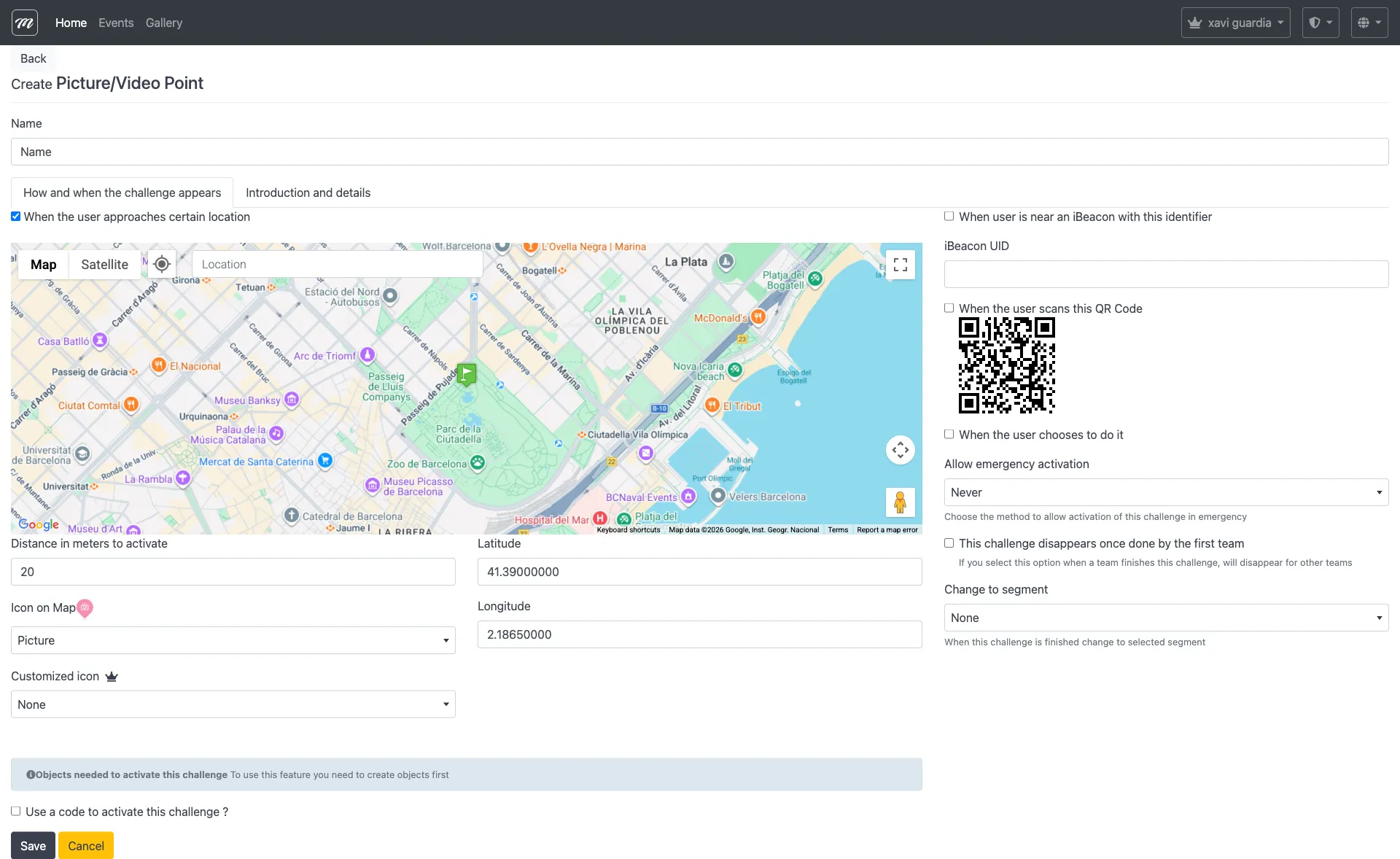
“I want players to take a photo or video.” → Use Picture / Video. You score these manually after the event.
“I want to show players information without asking anything.” → Use Hints. No scoring — just text, images, or video. Perfect for welcome messages, story narration, or instructions.
“I want players to do something physical.” → Use Physical Activity. Give them an instruction (do a team dance, hold a pose) and optionally require a photo as proof.
“I want a video to play when they arrive.” → Use Geolocated Video. The video auto-plays when the team reaches the GPS location.
“I want a mini-game.” → Choose based on the game:
| If you want… | Use |
|---|---|
| A jigsaw puzzle | Puzzle |
| A word-guessing game with clues | Guess the Word (hangman variant available in-app) |
| A memory matching game | Find the Pairs |
| A word association game | Related Words |
| A luck-based game | Slot Machine |
“I want augmented reality.” → Use AR Shell. Players find virtual objects using their camera.
“I want players to identify a song.” → Use Guess the Song. Upload an audio clip and set answer options.
“I want to reward players with a prize spin.” → Use Prizes. Players spin a virtual slot machine to win prizes configured by the organizer.
“I want robotic interaction.” → Use Robots. For events with programmable robots.
Scoring differences
Section titled “Scoring differences”Most types are scored automatically — the app knows if the answer is right. Two types require manual scoring:
| Auto-scored | Manual scoring required |
|---|---|
| Questions (multiple-choice), Puzzle, Guess the Word, Find the Pairs, Related Words, Slot Machine, AR Shell, Guess the Song, Robots, Physical Activity, Geolocated Video | Picture / Video, Questions (free-text) |
If you use photo or free-text challenges, plan time after the event to review and score submissions.
Recommended mix
Section titled “Recommended mix”A good event mixes 3-4 types to keep teams engaged:
- Start with a Hint (welcome message)
- Add several Questions (the backbone)
- Include 2-3 Photo challenges (team creativity)
- Add 1-2 mini-games for variety (Puzzle, Guess the Word, or Find the Pairs)
For detailed field reference on each type, see the Challenge Types reference.